







Save up to 73% on plans

FLUX Kontext AI Image Editor
Sign In
Public VisibilityAllow this result to appear in public inspiration surfaces.

FLUX Kontext AI Image Editor

Flux 2 Flex

AI output preview

AI output preview

Cafe storefront sign before a text swap

1/4

Edit Images With FLUX Kontext Text Instructions

Built for guided image edits: keep the subject, change the scene, swap on-image text, or shift style with a short instruction. On FluxKlein compare Pro, Max and Dev, then create related stills today with Flux 2 Flex while you learn the craft.

What Is FLUX Kontext?

Context-aware editing: point at an existing picture and say what should change.

Text-guided edits that keep the rest intact

With FLUX Kontext you write an instruction such as replace the sky, change the jacket color, or rewrite the poster headline. The model aims to update only the requested area so lighting, face identity and composition stay familiar. That makes it useful when you already like a photo and need a controlled revision instead of a brand-new random image from scratch each time you iterate.

Try in generator


Text-guided edits that keep the rest intact

Built for iteration, not one-shot guessing

Creators use FLUX Kontext in short loops: edit, check edges, then send a sharper follow-up prompt. Because each step starts from the current image, you can refine wardrobe, backdrop and typography without rebuilding the whole frame. FluxKlein explains those habits so prompts stay short, specific and easy to reuse across a full campaign series of related shots.

Create with Flux
Built for iteration, not one-shot guessing

FLUX Kontext Pro vs Max vs Dev

Official FLUX Kontext tiers serve different editing goals. Pick by consistency needs, not by the loudest name.

FLUX Kontext Pro

Pro is the everyday FLUX Kontext tier for fast, unified text edits. It suits background swaps, outfit tweaks and light typography changes when you want a steady turnaround. Many product and social teams start here because Pro balances speed with enough fidelity to keep the original subject recognizable after several careful rounds of revision on the same source photo.

Try in generator
FLUX Kontext Pro

FLUX Kontext Max

Max targets tougher FLUX Kontext jobs where typography, logos on surfaces and multi-step consistency matter most. Choose it when a poster headline must stay sharp, or when a character should survive several scene changes without drifting. If Pro softens lettering or drifts identity, Max is the option to try next for tighter layout control.

Open generator
FLUX Kontext Max

FLUX Kontext Dev

Dev is the open-weights FLUX Kontext editing build for research and non-commercial experiments. It is not a commercial license for client deliveries. Use Dev to learn prompting locally; for published campaigns on FluxKlein, plan around available online models such as Flux 2 Flex and check each service’s terms before you ship finals.

Make one now
FLUX Kontext Dev

Key Editing Strengths of FLUX Kontext

Three strengths people look for in precise text-led image revision online.

Local edits without rebuilding the frame

Ask the model to change one region—sky, wall color, prop—while the rest stays put. Clear nouns and a single verb help: change the sofa to forest green velvet, keep the window light. This local focus is why FLUX Kontext feels closer to a careful retoucher than to a lottery-style generator that redraws the entire frame.

Try in generator
Local edits without rebuilding the frame

On-image text replacement

Poster and packaging edits are a common FLUX Kontext request: replace OLD SALE with NEW HOURS while keeping font weight and perspective. Write the exact before and after strings in one instruction. Max usually holds letterforms better than lighter tiers when the edit must respect printed layout, baseline and vanishing lines on the board.

Create with Flux
On-image text replacement

Character and product consistency

Campaigns need the same face or bottle across rooms and seasons. Identity should hold after wardrobe or backdrop changes. Mention what must stay identical, then name only the allowed change, so the edit does not invent a new person or a new label design that breaks the whole set of related images.

Open generator
Character and product consistency

How to Edit Images With FLUX Kontext

A practical loop for planning FLUX Kontext edits or drafting frames with Flux 2 Flex on FluxKlein.

1. Start from a clear source image

Pick a photo with a readable subject, clean edges and enough resolution for the change you want. Busy backgrounds make edits harder to judge after the pass. Crop away clutter first, then decide whether you need a background swap, a text rewrite or a wardrobe change so the instruction stays singular and easy for collaborators to review.

Try in generator
1. Start from a clear source image

2. Write one instruction at a time

Good FLUX Kontext prompts name the target, the action and the keep-list. Example: replace the blue wall with warm brick, keep the person and the lamp. Avoid stacking five unrelated asks in a single line. After each pass, inspect hands, hair edges and any on-image type before you add the next change to the same brief.

Create with Flux
2. Write one instruction at a time

3. Compare Pro and Max intent, then save

If lettering softens or identity drifts, move from Pro-minded prompts toward Max-minded detail: name the font weight, the camera angle and what must not move. Dev is for offline learning only. Store the winning sentence beside a source thumbnail so the next FLUX Kontext campaign round starts from a proven recipe.

Make one now
3. Compare Pro and Max intent, then save

FLUX Kontext Prompt Examples

Concrete instructions that show how FLUX Kontext edits are usually worded in practice.

Background swap

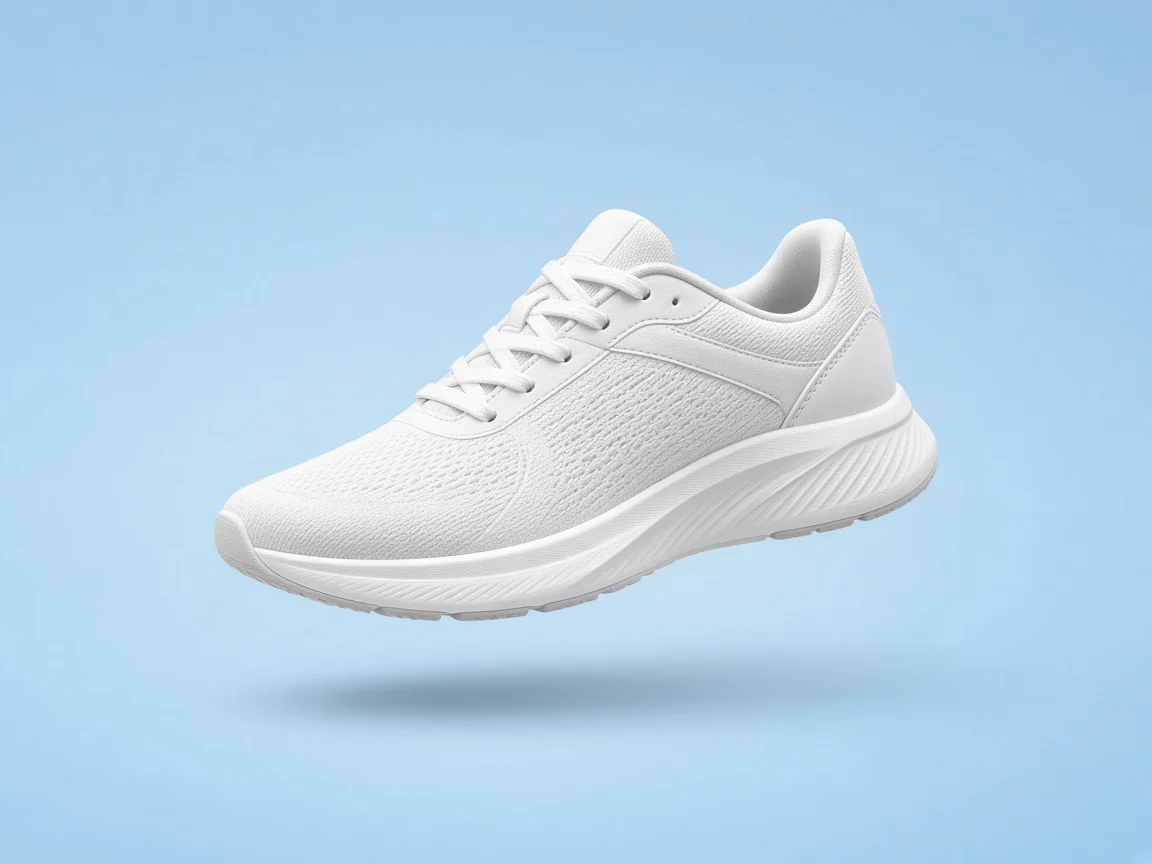
Replace the busy street behind the subject with a soft gray studio seamless, keep the person’s face, hair and jacket exactly the same, and match the existing key light. This FLUX Kontext style brief protects identity while clearing a catalog backdrop for ecommerce crops, detail pages and clean marketplace thumbnails.

Try in generator
Background swap

Signage rewrite

Replace the cafe window text that says CLOSED with OPEN DAILY 8–6, keep the painted script style, wood frame and reflections. Max-minded wording helps when painted letters must stay on the same plane, so the storefront still looks photographed rather than pasted, and hours remain readable at a glance.

Create with Flux
Signage rewrite

Wardrobe or style shift

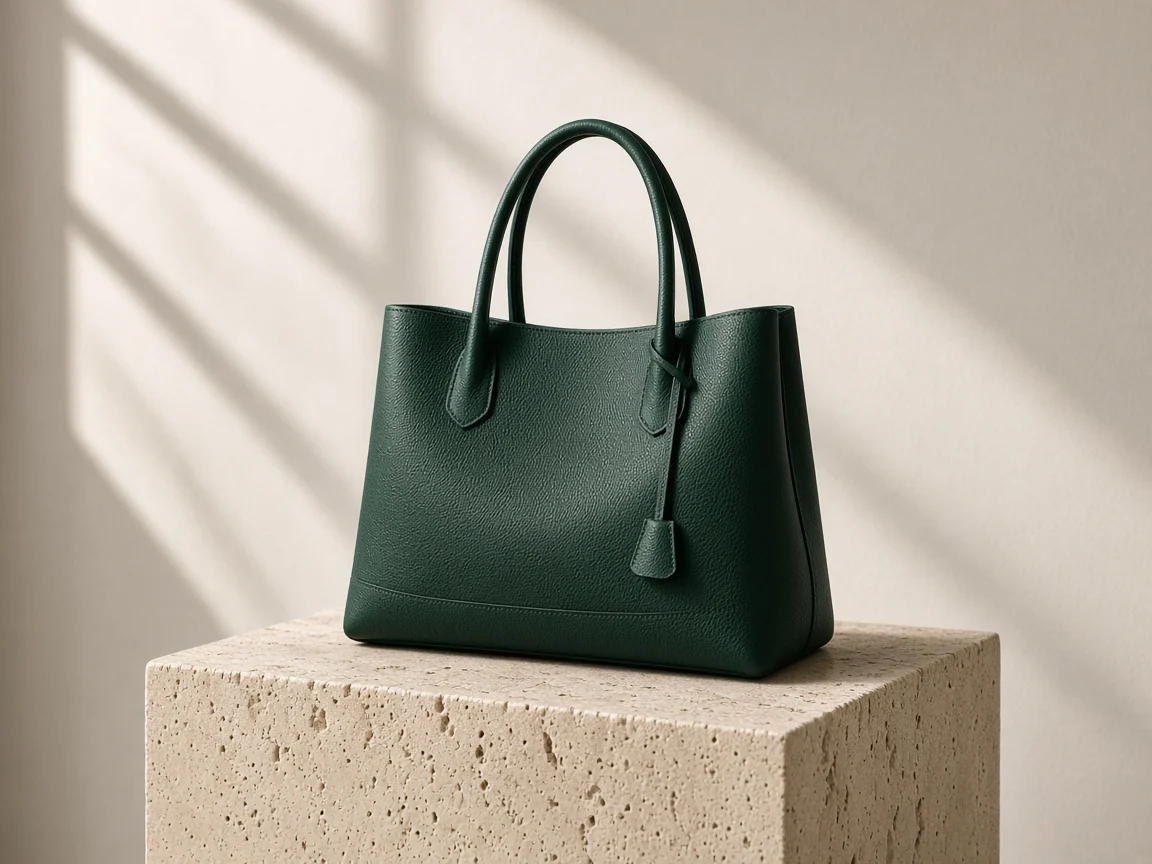
Change the red coat to a navy wool coat with the same cut and buttons, keep the face, pose and rainy street; or restyle a bottle shot as soft daylight catalog light while preserving label layout. Preserve clauses keep packaging and faces stable while only cloth or mood is allowed to move.

Open generator
Wardrobe or style shift

FLUX Kontext and FLUX 3 Image Editing

How FLUX Kontext sits beside newer FLUX 3 image work on FluxKlein.

When FLUX Kontext is the better fit

Choose FLUX Kontext when you already have a photo and need a surgical text edit: backdrop, outfit, poster type or light mood. It shines in revision loops where each change must stay small. FluxKlein’s guide helps you phrase those loops even while the live generator uses Flux 2 Flex for fresh stills.

Try in generator
When FLUX Kontext is the better fit

When to open FLUX 3, and how Flux 2 Flex helps

Open FLUX 3 when you want a new image from scratch with stronger current-generation detail. Kontext remains the mental model for instruction edits; FLUX 3 is the broader still-image family. Use live Flux 2 Flex to sketch compositions, then rewrite the best sketch as an instruction set for a later edit pass.

Open FLUX 3
When to open FLUX 3, and how Flux 2 Flex helps

FLUX Kontext FAQ

Is FLUX Kontext free to try?

Access and credits depend on the plan shown in the FluxKlein generator. Live runs currently use Flux 2 Flex for text-to-image while you study FLUX Kontext tiers.

Should I pick Pro, Max or Dev?

Pro for everyday FLUX Kontext edits, Max when typography and multi-step consistency matter, Dev only for non-commercial open-weights experiments.

Can FLUX Kontext Dev be used commercially?

No. Dev is for non-commercial and research use. Commercial delivery should follow the license of the model and service you actually run.

Does it support text-to-image as well as editing?

Official FLUX Kontext is known for instruction-based editing and related generation flows. On FluxKlein today, create new stills with Flux 2 Flex while you practice edit wording.

How is it different from FLUX 3?

FLUX Kontext is the earlier instruction-edit family; FLUX 3 is the newer image and video family. Open the FLUX 3 page when you want current FLUX 3 stills.

Is FluxKlein the official Black Forest Labs site?

No. FluxKlein is an independent service and is not affiliated with or endorsed by Black Forest Labs; FLUX is their trademark.

Can I use the results commercially?

Follow the FluxKlein terms for the model you actually run. Do not copy real people, logos or protected characters in prompts.

Create Images While You Learn FLUX Kontext

Study Pro, Max and Dev here, practice in the on-page generator, then create with Flux 2 Flex or explore FLUX 3. Editing-focused hosts can join later without changing this craft guide.

Related tools