


Grok Imagine Video 1.5 AI Video Generator
Sign In

Grok Imagine Video 1.5 AI Video Generator

CreditsCost

Veo 3.1

AI output preview

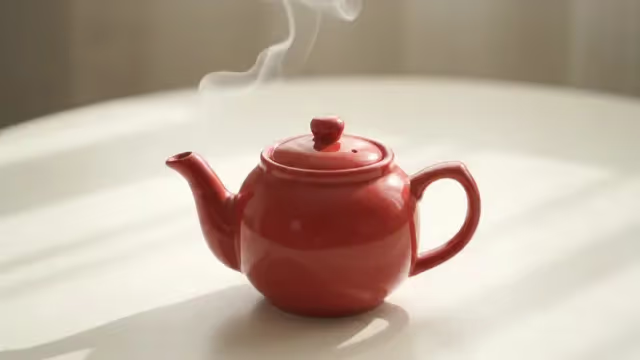
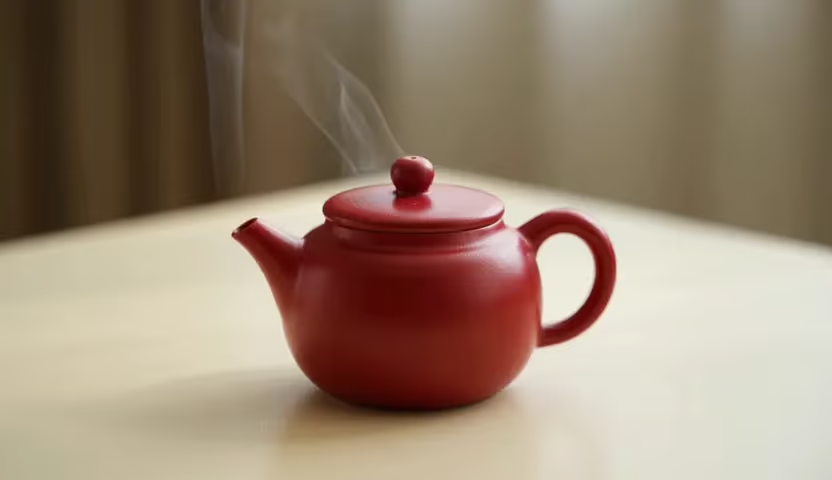
Existing FluxKlein video sample: a greenhouse camera move for reviewing motion, framing, and audio. This clip is not presented as a Grok Imagine Video 1.5 output.

1/2

Grok Imagine Video 1.5 for Motion, Physics, and Sound

Develop short video ideas around one readable action, a deliberate camera move, believable physical response, and sound that belongs to the scene. This guide turns those capabilities into practical prompts for image animation, character beats, product motion, social clips, and previsualization. The working generator stays at the top so you can draft and revise before studying the deeper workflow.

Grok Imagine Video 1.5 Capabilities

The announced model emphasizes coherent motion, more convincing physical behavior, synchronized sound, and faster creative iteration.

More Stable Motion and Physics

Plan movement that respects weight, contact, momentum, and the shape of the subject. For a clean test, ask for one action and one camera move, then describe what must remain stable: facial identity, product geometry, wardrobe, background structure, or the position of a key prop.

Audio and Speech in the Scene Brief

Write dialogue, ambience, and action-linked sound as parts of the same moment. Name the speaker, keep the line concise, describe delivery, and connect each sound to something visible, such as footsteps landing, rain touching glass, or a latch clicking shut.

Faster Prompt-to-Revision Loops

A disciplined prompt makes each iteration informative. Hold the subject and composition constant, change only one variable at a time, and compare motion, camera, timing, and audio before expanding the idea into multiple shots.

How to Prompt Grok Imagine Video 1.5

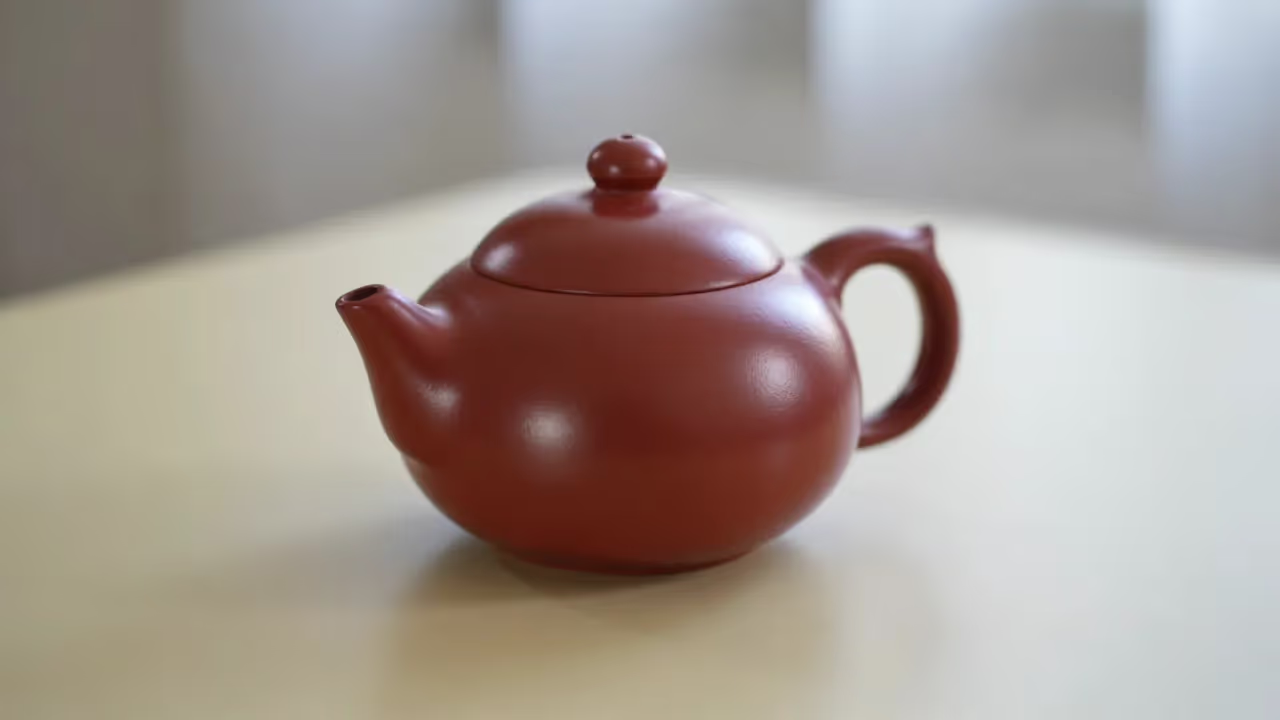
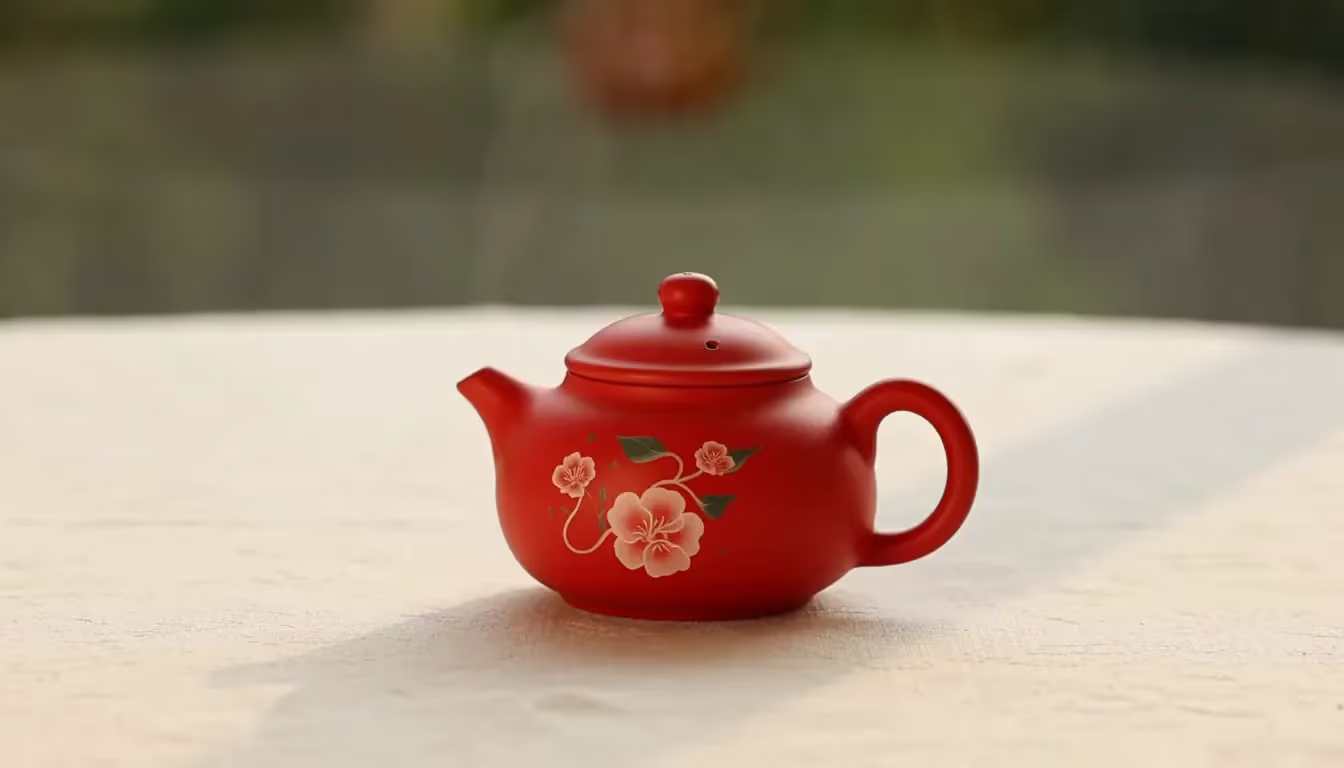
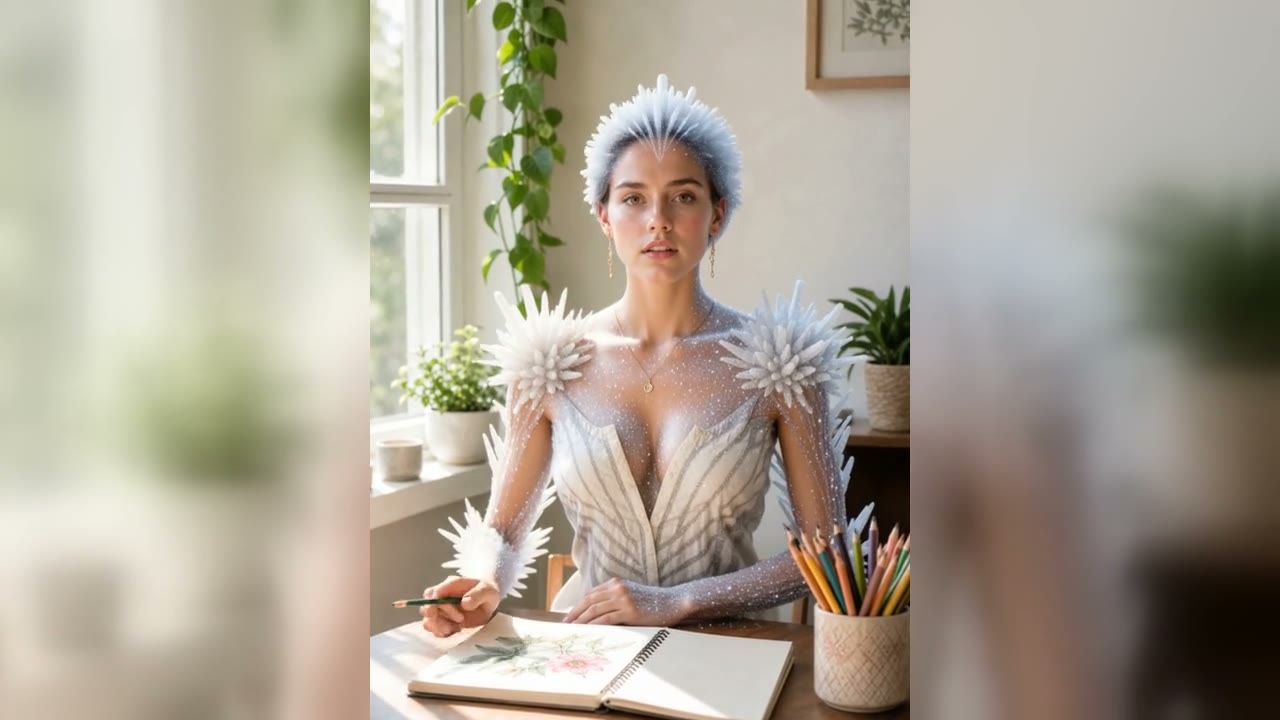
Build the prompt in layers so the subject, action, camera, physical constraints, audio, and ending state form one temporal plan. The clips below are existing FluxKlein examples used to illustrate the workflow; they are not presented as Grok Imagine Video 1.5 outputs.

Start with a Strong First Frame

Describe or upload a frame with one obvious subject, a readable silhouette, useful separation from the background, and enough space for the intended movement. State the details that must not drift. Then describe the change that should happen after the frame instead of repeating static appearance words. This gives image-to-video work a clear visual anchor and a clear direction through time.

Try the Prompt

Write One Action and One Camera Move

Use temporal verbs: walks, unfolds, tilts, pours, turns, or settles. Pair the action with one camera instruction such as a slow dolly, locked tripod, gentle orbit, overhead track, or restrained handheld follow. Include pacing and an ending state. A prompt like “the robot crosses the table, pauses at the plant, then turns to camera” is easier to evaluate than a chain of unrelated events.

Add Physical and Audio Constraints

Explain how objects contact the ground, how fabric or liquid should respond, which proportions stay fixed, and which background lines must remain straight. Add only the sounds that support visible events. For dialogue, specify the speaker, exact short line, emotion, and surrounding ambience. Negative guidance should be concrete: no floating feet, no extra limbs, no warped labels, no sudden camera jump, no text overlays.

Iterate from a Controlled Baseline

Save the first prompt as a baseline. On the next run, alter only camera speed, action timing, sound direction, or one visual constraint. Keep a short note about what improved. When a single shot works, reuse the stable subject and style description across product angles, social crops, reaction shots, or a short sequence so continuity is designed rather than accidental.

Revise a Draft

Grok Imagine Video 1.5 Use Cases

Use a compact scene plan wherever motion, sound, and visual continuity must communicate one idea quickly.

Product Reveals and Campaign Concepts

Animate a product still with a controlled orbit, material highlight, assembly action, or environmental reveal. Lock geometry, colors, and marks; describe how the product touches the surface; and use concise sound design to support the visible movement. Prepare separate scene plans for landscape and portrait placements rather than relying on a blind crop.

Character Performance and Short Dialogue

Build a compact beat around a look, gesture, turn, or short spoken line. Keep identity, clothing, and screen direction stable. Specify who speaks, the intended emotion, and when the camera should hold close enough to read the performance.

Social Motion and Visual Hooks

Create an opening movement that is understandable without context: an object transforms, a character enters frame, a texture spreads, or the camera reveals a surprising scale change. Design the first and final states deliberately so the clip can loop or cut cleanly into a larger edit.

Storyboards and Previsualization

Test blocking, camera direction, action timing, atmosphere, and sound before committing to a full production. Generate one shot at a time, repeat a continuity block, and compare alternatives on a single creative variable so the result supports a real decision.

Grok Imagine Video 1.5 FAQ

Answers about capabilities, image-to-video prompts, motion, audio, credits, watermarks, and this page's working generator.

What is Grok Imagine Video 1.5?

Grok Imagine Video 1.5 is xAI's video-generation model update focused on improved motion and physics, audio and speech, speed, and a more productive creation workflow. It is useful to think of a request as a temporal scene brief: define what starts in frame, what changes, how the camera observes it, what should remain consistent, what is heard, and where the shot ends.

Is Grok Imagine Video 1.5 useful for image-to-video?

Yes. Start from a clear source image with one main subject and enough room for motion. Identify the visual details that must stay stable, then describe the introduced movement rather than redescribing the still. One action, one camera move, and a deliberate final state make the result easier to judge and revise.

How should I prompt motion and physics?

Use action verbs and physical relationships. Explain weight, contact, momentum, gravity, material response, and any fixed geometry. For example, specify that feet remain planted between steps, liquid stays inside a tray, a label does not warp, and the camera follows at a steady speed. Test one motion problem at a time before adding secondary events.

How do I prompt audio or dialogue?

Connect sound to the visible event. Name the speaker, write the exact short line, describe tone and pace, and add only the ambience or effects the scene needs. Distinguish spoken words from music and environmental sound. Keep dialogue short enough to fit the planned action and camera framing.

What are strong use cases for Grok Imagine Video 1.5?

Useful workflows include product reveals, character reactions and short dialogue, social hooks, mood clips, storyboard motion tests, and previsualization. The common pattern is a concise idea that benefits from coordinated action, camera, continuity, and sound. Longer stories should be divided into separately controlled shots.

How do welcome credits, generation cost, and watermarks work?

Flux Klein AI currently grants 40 welcome credits to eligible new accounts. Every run deducts the credit cost displayed for the selected model and settings, so welcome credits are not a promise that every video can be generated at no charge. The site's free-credit image watermark is not applied to video tasks. Provider safety or provenance markings may still apply, so inspect the finished file and the relevant usage terms.

Which model does this page's generator use today?

The visible model selector on this page currently selects the existing Kie Veo 3.1 configuration. Grok Imagine Video 1.5 is not connected to this generator, and every clip produced with the current selection is a Veo 3.1 result—not a Grok result. The default will change only after a Grok integration has been implemented and verified.

Turn a Grok Imagine Video 1.5 Prompt into a Testable Draft

Start with one subject and one readable action, then refine camera, physics, audio, and the ending state through controlled iterations.