







Dense spatial briefs
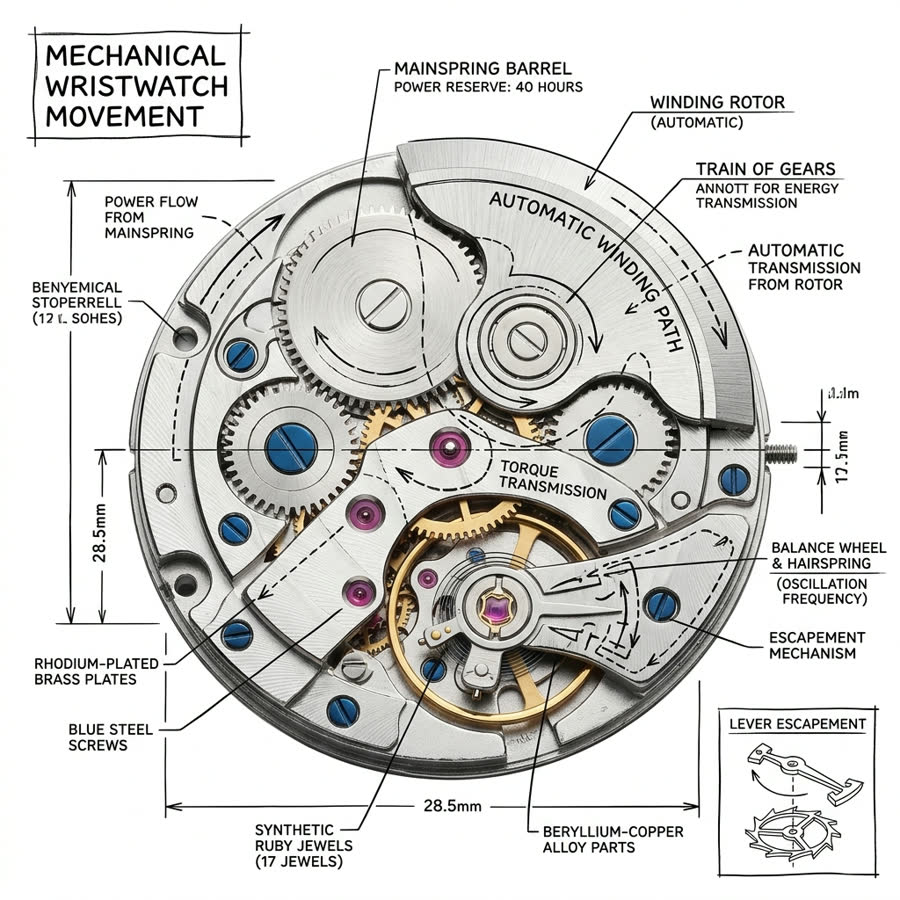
Specify several objects with explicit relationships, depth layers, and exclusions. Check count accuracy, occlusion, perspective, and whether the focal hierarchy survives.
Save up to 73% on plans
Qwen Image 3 Pro

AI output preview
Browse every other AI image model and effect published on this site in a continuous carousel.
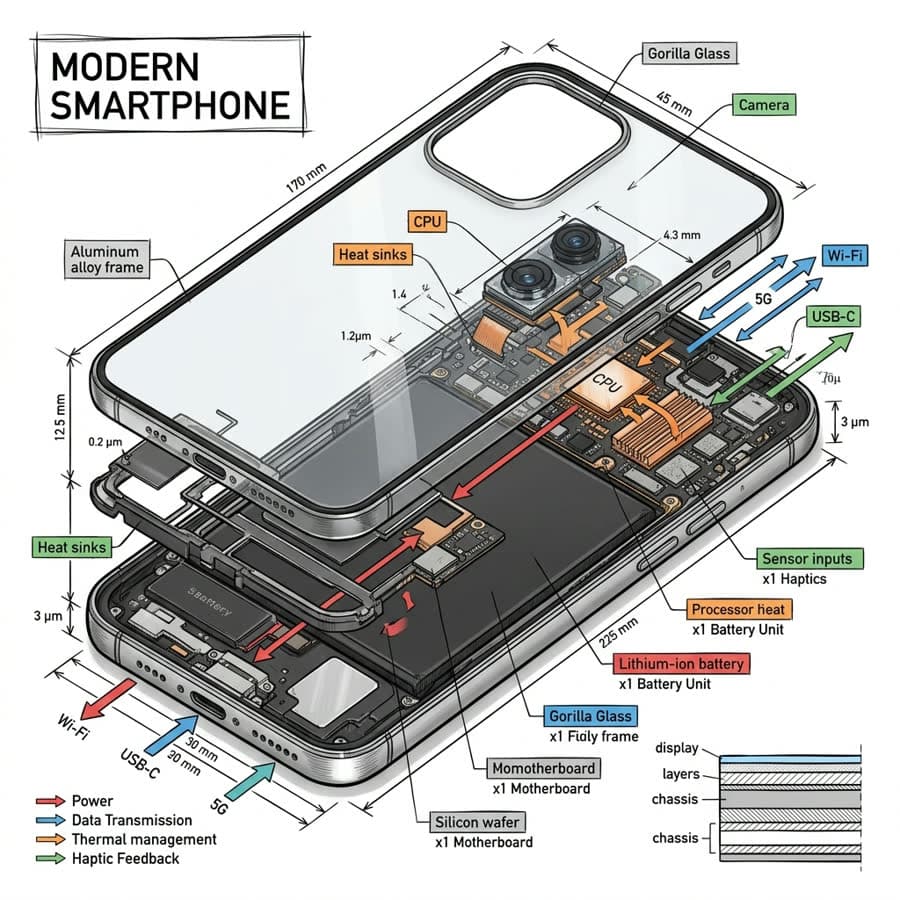
Use the Pro lab when the question is not simply whether an attractive image appears, but whether a denser composition survives constraints. Dedicated KIE Pro generation and editing routes make it possible to compare structure, reference retention, and small-detail behavior against the standard model.
Choose tests that expose strengths and failure modes.
Specify several objects with explicit relationships, depth layers, and exclusions. Check count accuracy, occlusion, perspective, and whether the focal hierarchy survives.
Ask an edit to preserve silhouette, proportions, or identity while changing only the environment or material. Record which details drift and at what prompt complexity.
Run the same 1K prompt and seed on both Qwen variants, then compare instruction following before evaluating the 2K finalists.
Hold settings stable until the model choice is the main difference.
Before generating, list the visible facts that must be correct and the details that can vary. This prevents aesthetic preference from replacing task success.
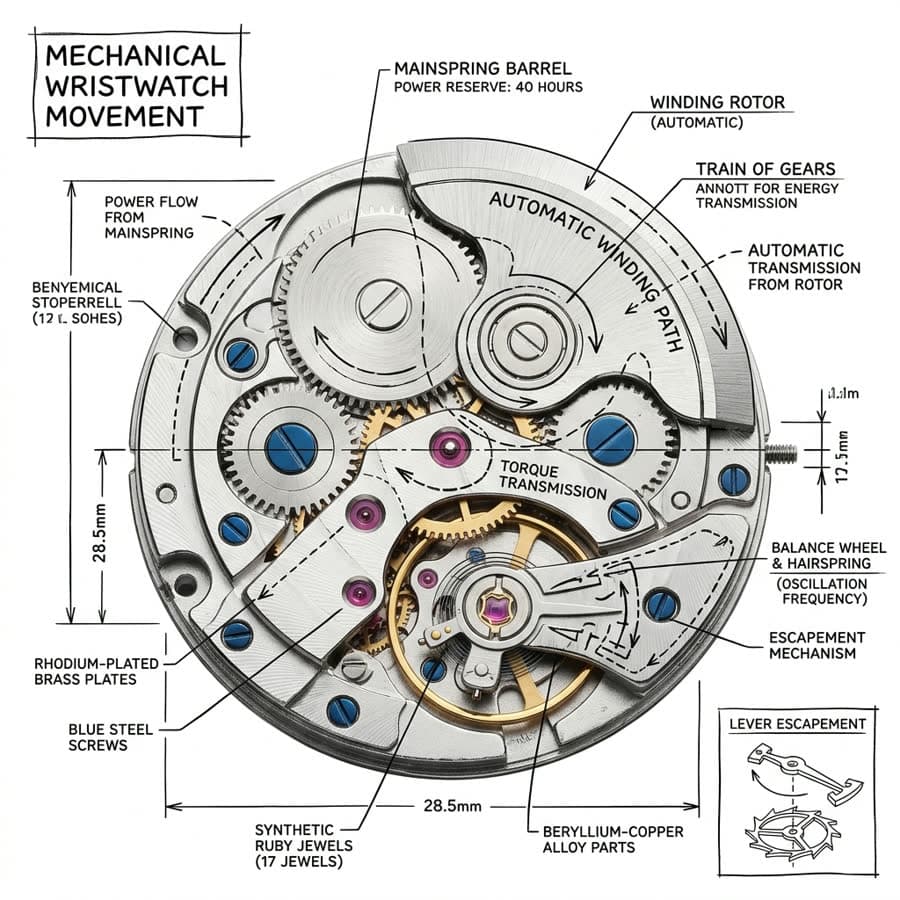
Keep prompt, ratio, resolution, seed, and references aligned between standard and Pro. Save both outputs before editing the brief.
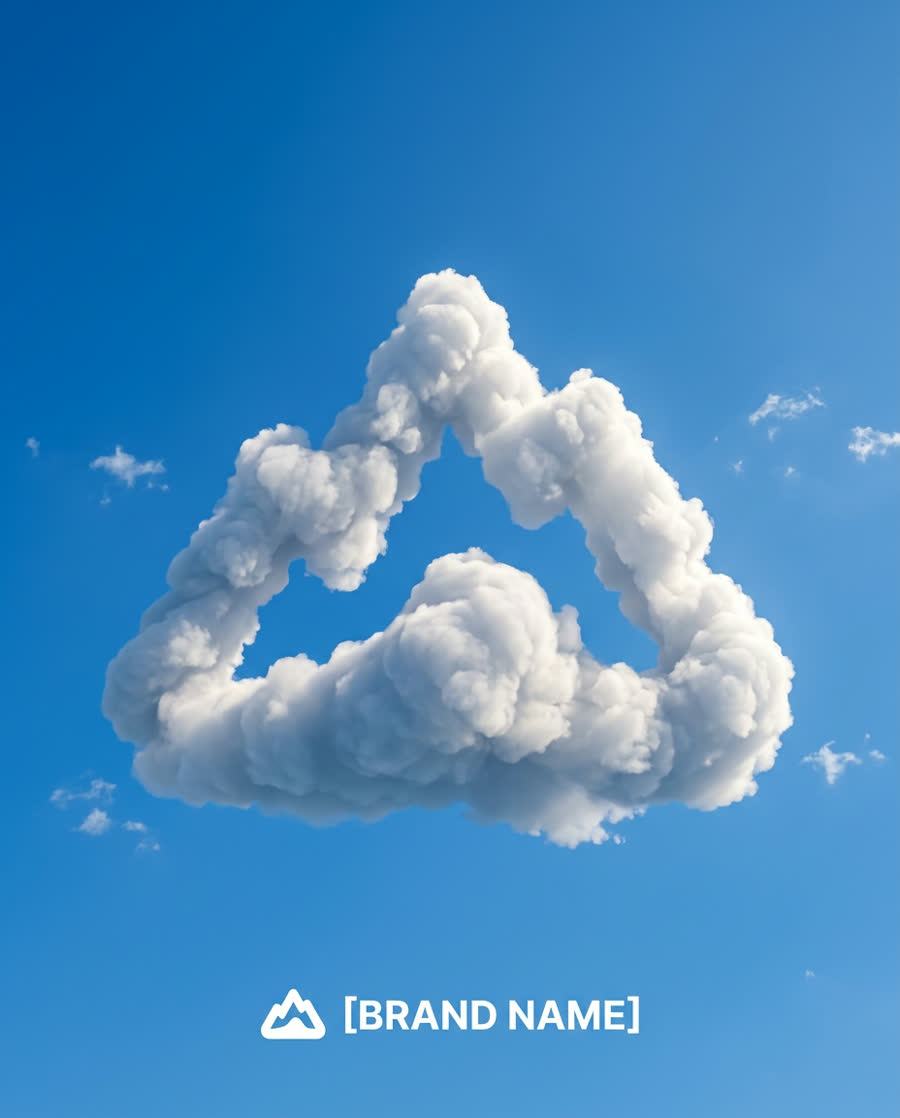
Zoom into relationships, repeated objects, labels, hands, edges, and reference features. Prefer the route that meets the actual acceptance criteria.

Use briefs that expose whether the Pro route earns its place in the workflow.
Describe several components with explicit counts, positions, overlaps, materials, and depth order. Leave a defined area for later labels instead of asking the model to typeset final copy. Review spatial relationships, repeated forms, perspective, and edge separation at full size, then compare the same prompt with the standard route under matched controls.
Provide a licensed source and identify the characteristics that must not change: silhouette, proportions, identity, packaging structure, or another measurable feature. Request one redesign dimension, such as environment or material, and inspect exactly where drift appears. A Pro test is useful when retention criteria are written before generation rather than invented after seeing the output.
Combine a hero subject, supporting objects, a controlled palette, negative space, and destination framing in one demanding brief. Evaluate hierarchy and constraint handling before visual polish. If the Pro output does not improve a documented weakness from the standard model, keep the less expensive route instead of assuming the premium label guarantees a better production result.
Make the model choice from matched evidence rather than separate showcase prompts.
Keep prompt, negative prompt, seed, reference set, aspect ratio, resolution, and output format aligned wherever both routes expose the control. Save the first pair before revising anything. This creates a defensible comparison and prevents a stronger prompt or more favorable crop from being mistaken for a model-level improvement.
Weight object relationships, protected identity, legibility zones, geometry, and small repeated details according to the real brief. Aesthetic preference comes after required facts. Note the time needed to repair each output, because a route that generates a prettier image but creates more cleanup may not be the better production choice.
Use 1K for the matched model test and reserve 2K for the direction that already passes the acceptance list. Inspect the final candidate for artifacts, trademarks, unintended text, faces, hands, and reference rights. The evaluation ends when one route meets the intended use at an acceptable cost and review burden.
How the Pro route differs inside Flux Klein AI.
Yes. It uses qwen3/pro-text-to-image and qwen3/pro-image-to-image.
A useful test has measurable constraints: object relationships, protected reference features, layout rules, or a small-detail checklist.
Yes. Keep all shared controls and inputs fixed, then evaluate both outputs against criteria written before generation.
No. Select the model that meets the task at an acceptable cost and review effort.
Set criteria, run a matched test, and choose with evidence.