

Z Image Turbo Controlled Prompt Test
Sign In
CreditsCost

Z Image Turbo Controlled Prompt Test

Z Image Turbo

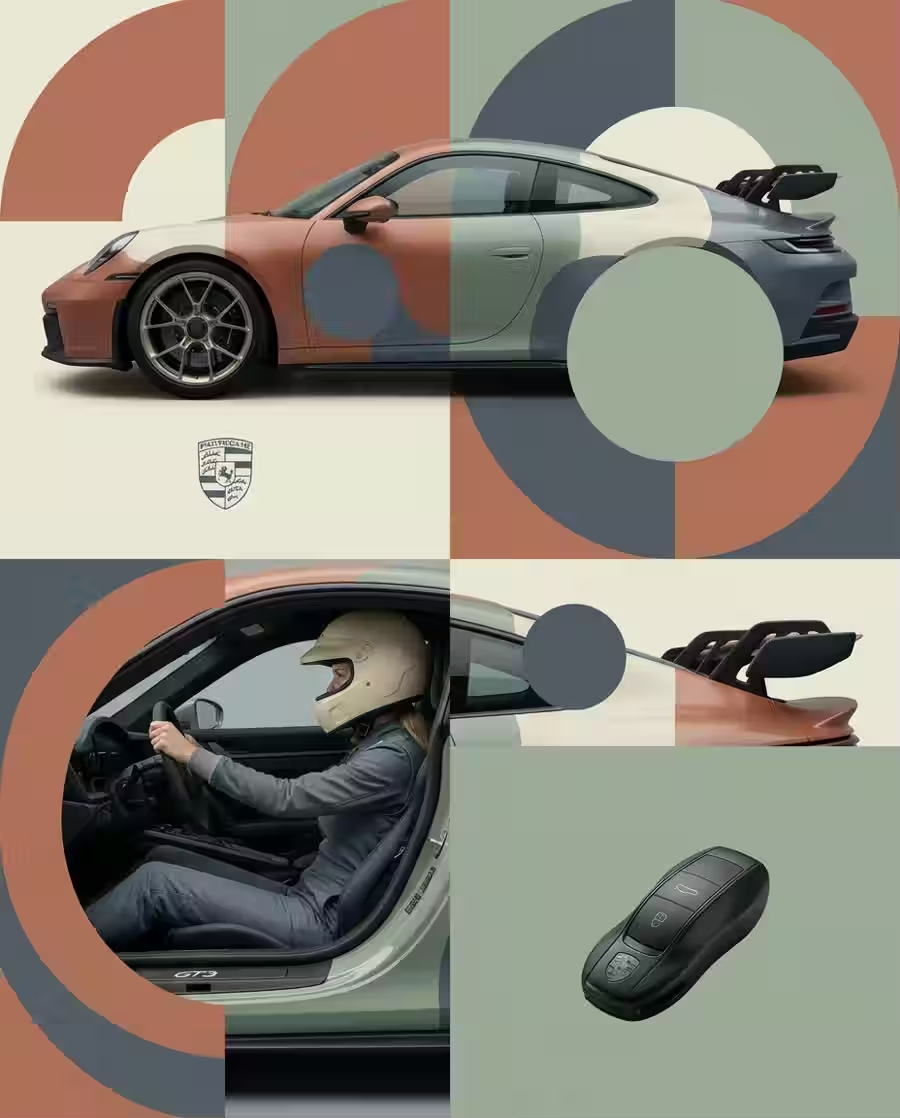
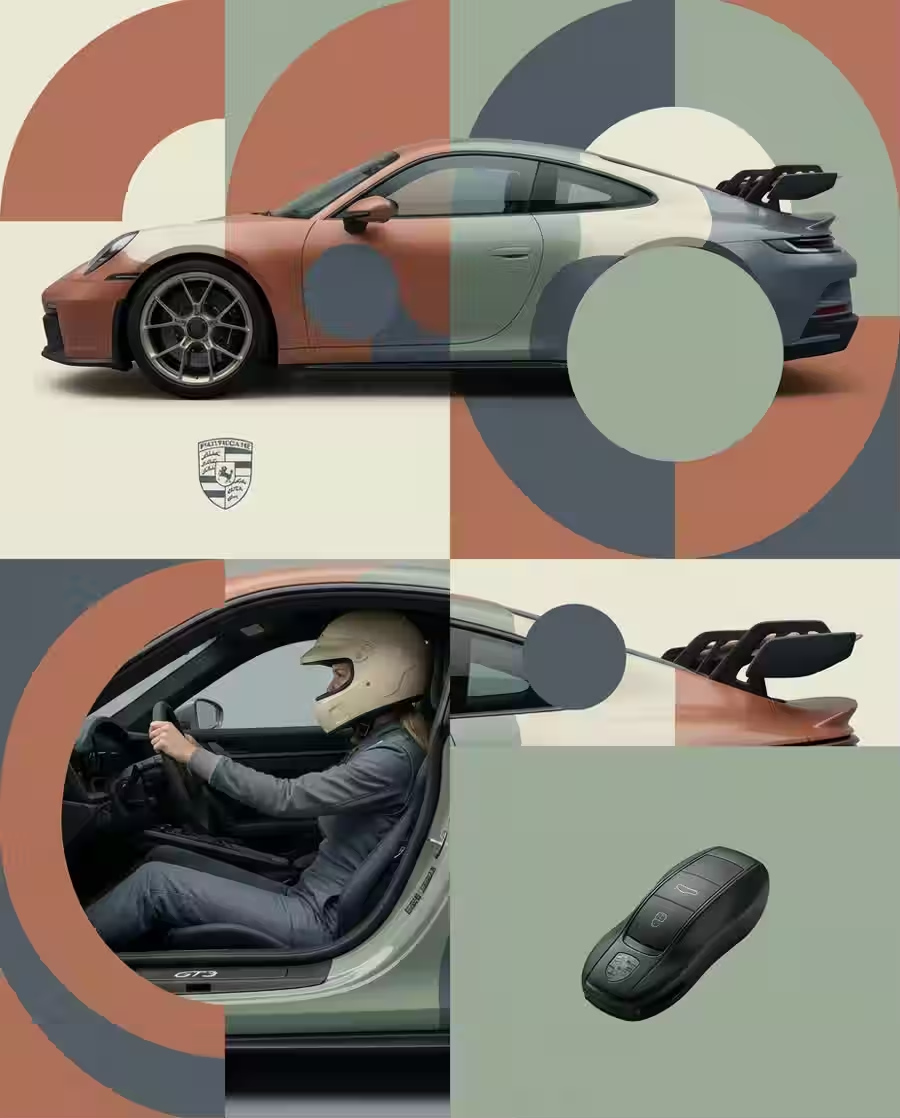
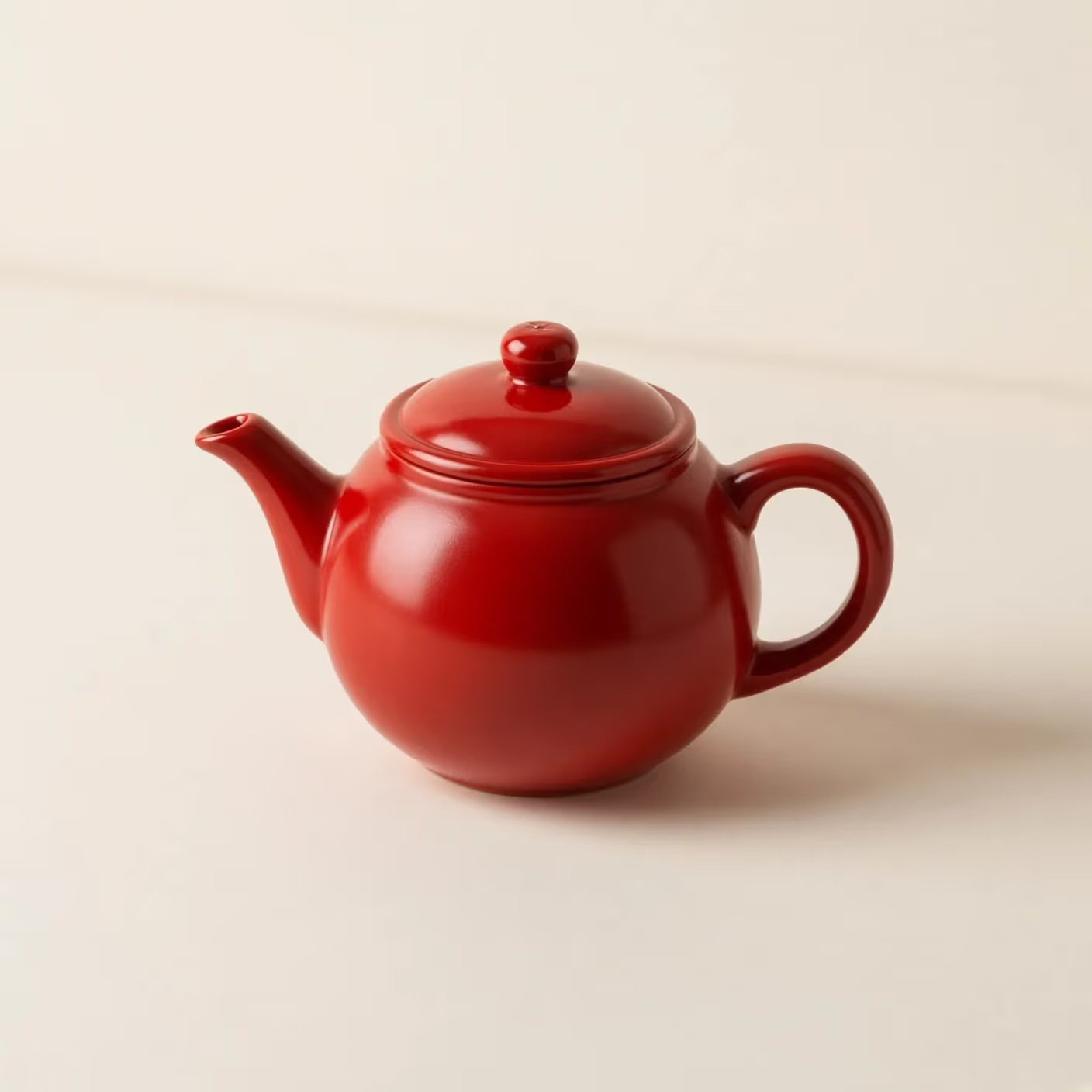
Product composition used for a Z Image Turbo prompt test

Test Z Image Turbo with Evidence, Not Hype

Z Image Turbo is the distilled 6B-parameter member of Tongyi-MAI's Z-Image family. The official model card describes an eight-NFE pipeline, photorealistic output, English and Chinese text rendering, and strong instruction following. This page turns those claims into small tests you can repeat: set a baseline, change one variable, inspect the full-size result, and keep only the prompt changes that survive comparison.

What the Official Z Image Turbo Release Actually Says

Separate upstream model facts from results you still need to verify in your own prompt and delivery environment.

Distilled 6B single-stream model

Tongyi-MAI documents Z Image Turbo as a 6B-parameter model built on a Scalable Single-Stream Diffusion Transformer. The Turbo checkpoint is distilled to eight number-of-function evaluations. That architecture explains the model's speed target, but it does not guarantee the same wall-clock latency across every hosted provider, queue, resolution, or device.
Upstream speed has a hardware qualifier

The official release reports sub-second inference on enterprise H800 hardware and compatibility with consumer devices below 16 GB VRAM. Treat those as upstream benchmark conditions, not a promise for this browser session. Here, measure time from submission to delivered asset and record resolution, queue state, and retries when comparing runs.

Three capabilities worth testing

The model card highlights photorealism, bilingual English and Chinese text rendering, and instruction adherence. Each is observable: inspect material and lighting consistency, compare requested lettering character by character, and score whether the output includes every required object while respecting exclusions.

A Repeatable Three-Pass Z Image Turbo Test

A controlled sequence produces more useful evidence than a gallery of unrelated attractive images.

Pass 1: establish a plain baseline

Start with one subject, one camera description, one lighting direction, a simple background, and a short exclusion. Use the prefilled espresso-machine prompt or write an equivalent brief for your task. Save the full prompt and output before adding style words. Check subject count, silhouette, perspective, reflections, contact shadow, background cleanliness, and accidental text.

Generate the Baseline
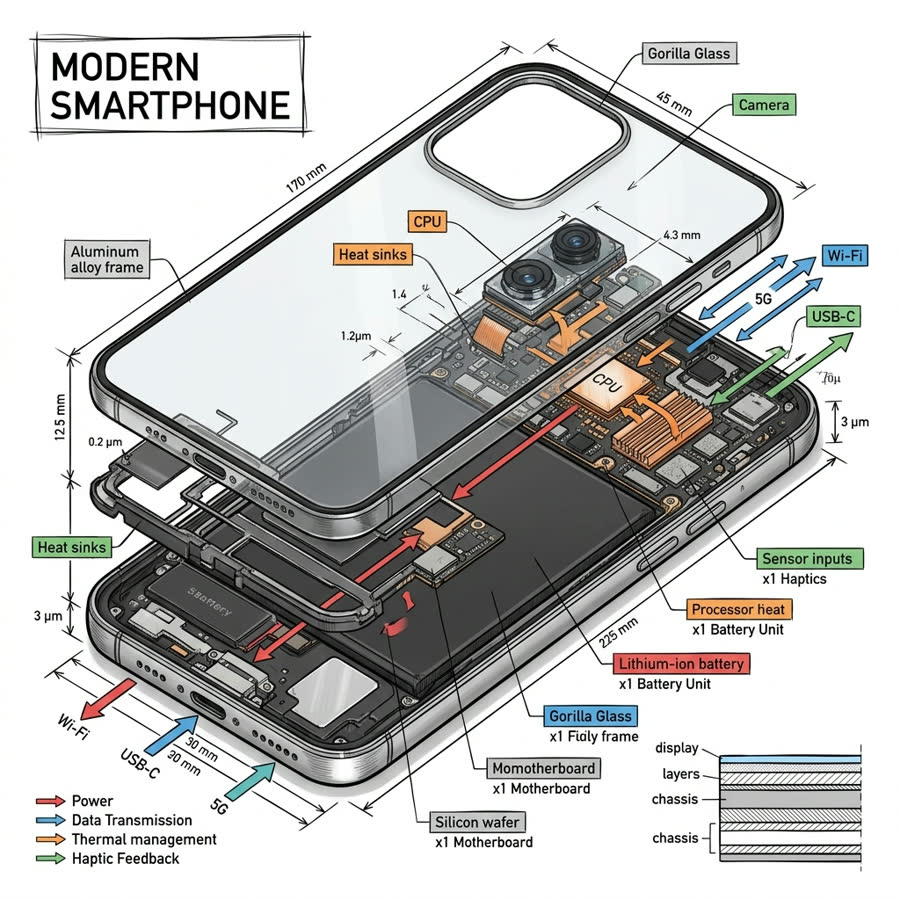
Simple product baseline composition

Pass 2: change exactly one instruction

Choose one measurable variable—camera distance, key-light direction, background color, material, or a short label—and change only that phrase. Do not add a new art style, lens, palette, and scene at the same time. Compare which requested element moved and which unrelated elements drifted. If most of the composition changes, narrow the revision and run it again.

Compare Another Model
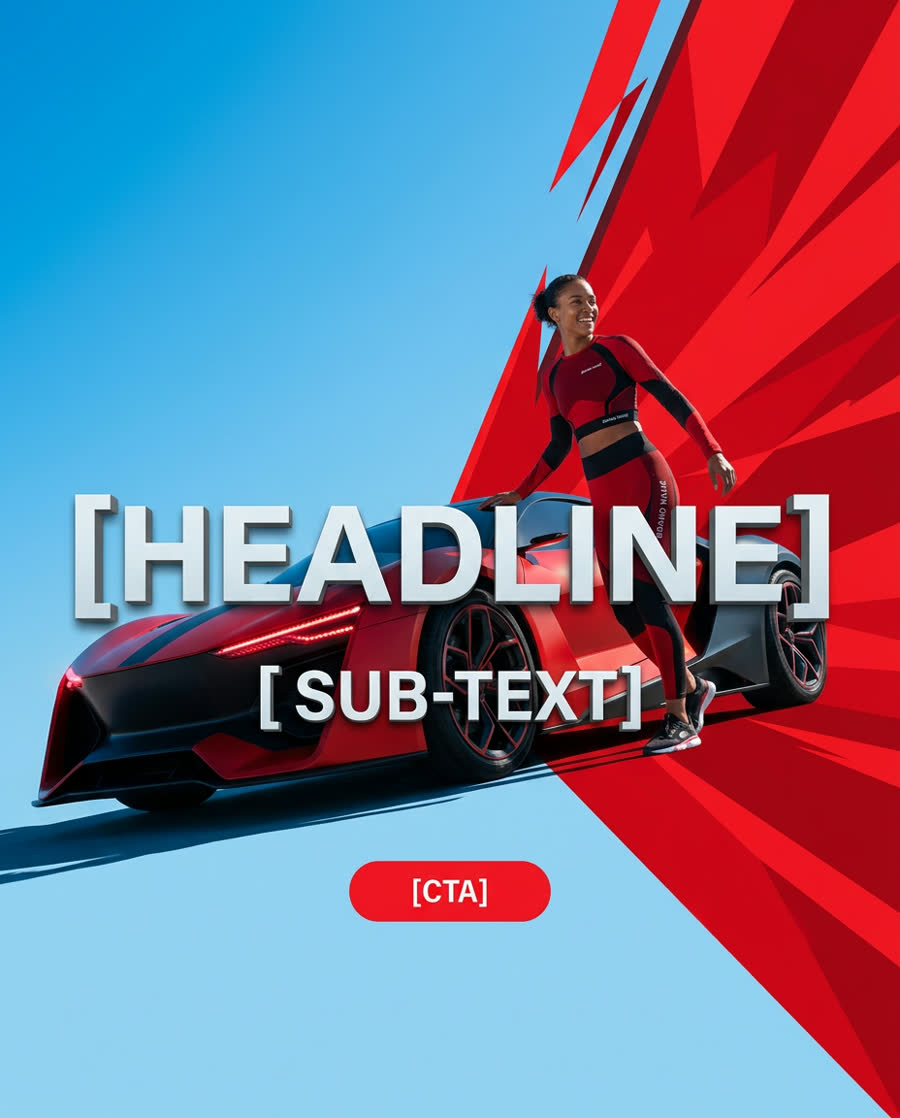
Controlled object and layout comparison

Pass 3: validate the delivery asset

Open the result at full size instead of judging only the preview. Inspect small geometry, hands and faces when present, letter shapes, brand-like marks, edge artifacts, and empty space needed for a crop. Record the final prompt, aspect ratio, delivery time, and any retry. A result is ready only when it passes the intended use case—not simply because it looks polished at thumbnail size.

Full-size output review checklist

Three Z Image Turbo Prompt Tests with Clear Pass Criteria

Use the same rubric across reruns so the comparison is about the model response rather than memory or taste.

Photorealistic product test

Prompt one product with a named material, camera angle, surface, lighting direction, and clean background. Pass criteria: the product count is correct; the silhouette stays plausible; material reflections follow the light; the object contacts the surface; and no unwanted label appears. Run a second version that changes only the material, then compare shape retention and texture response.

Bilingual lettering test

Ask for a short English word and a short Chinese phrase on two separate, front-facing signs. Keep the wording short and quote it exactly. Pass criteria: every character is present in order; there are no invented strokes; the signs remain distinct; and typography does not distort nearby objects. Verify manually—legible-looking text can still be wrong.

Instruction and exclusion test

Request three countable objects with an explicit spatial relationship, then exclude people, logos, extra objects, and visible text. Pass criteria: all required objects appear once, left/right or front/behind relationships are correct, and exclusions hold. If a failure repeats, shorten the prompt and move the highest-priority constraint closer to the subject description.

When to Compare Z Image Turbo with Another Image Model

A model comparison is useful only when the prompt, canvas, and acceptance criteria remain stable.

Compare with Flux 2 Flex for a dense art-direction brief

Use the same product or editorial prompt in Z Image Turbo and Flux 2 Flex when your brief has several materials, lighting constraints, and layout requirements. Score instruction coverage before aesthetics. Keep the model that preserves the required structure with fewer corrective prompt rounds, then validate the selected output at the final crop size.

Open Flux 2 Flex
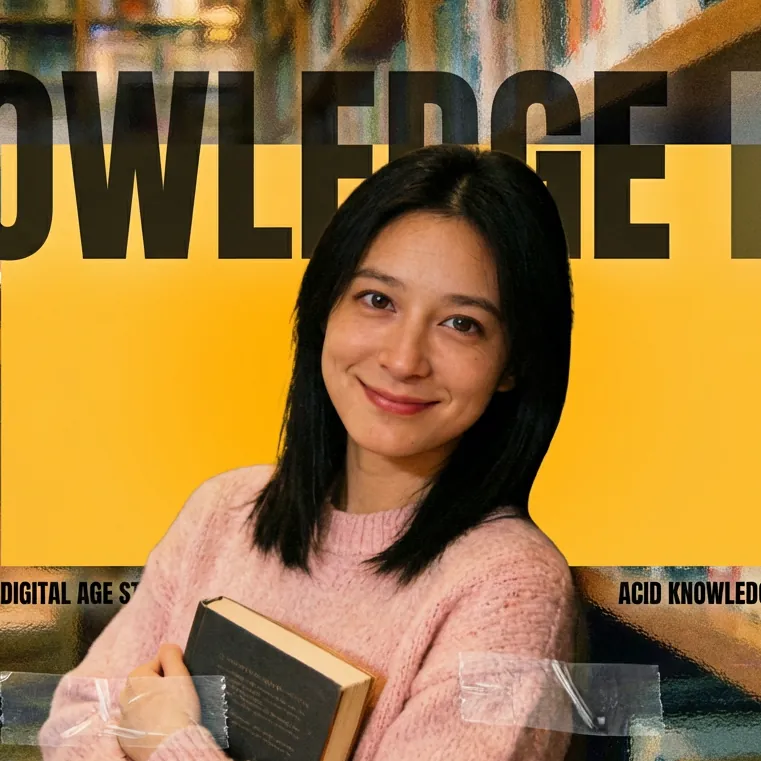
Editorial art direction comparison

Compare with Seedream 4 for stylized exploration

Use Seedream 4 as a second route when the objective is expressive illustration or a deliberately dreamlike visual direction. Hold the subject, composition, ratio, and palette constant. Compare which model follows the structural brief and which offers the stronger style direction; do not infer a universal winner from one prompt.

Open Seedream 4
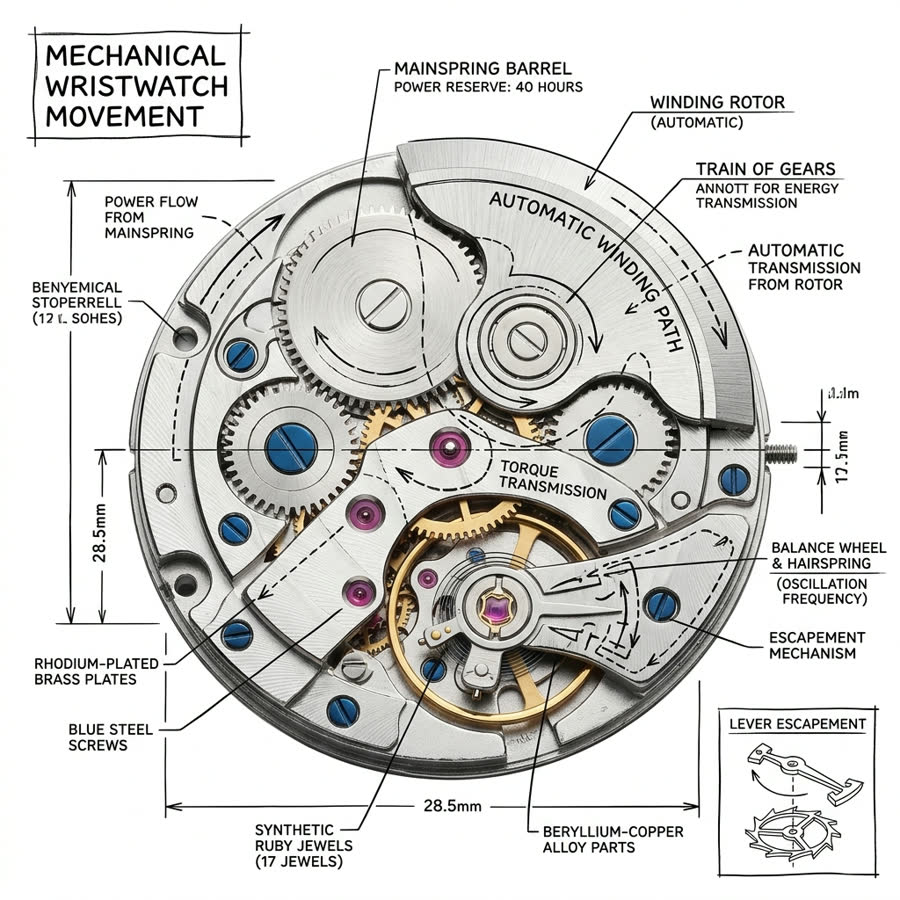
Stylized scene comparison

Limits to Check Before Publishing

Fast generation shortens iteration; it does not remove review, rights, or accuracy work.

Text must be proofread

Even when lettering looks convincing, inspect every English letter and Chinese character at full resolution. Regenerate or replace text in a design tool when exact spelling, legal copy, prices, or safety information matters.

People and products need close review

Zoom into faces, hands, jewelry, small product geometry, reflections, and repeated patterns. Do not present generated people as real customers, and do not treat a plausible product visualization as factual evidence of a real product feature.

Rights and brand checks remain yours

Confirm that prompts, reference materials, identities, logos, and final usage comply with applicable rights and policies. Remove accidental marks or recognizable protected elements before commercial publication.

Z Image Turbo AI Image Generator FAQ

Model facts, test method, and practical review guidance.

What is Z Image Turbo?

Z Image Turbo is Tongyi-MAI's distilled 6B-parameter text-to-image model in the Z-Image family. Its official release describes a Scalable Single-Stream Diffusion Transformer and an eight-NFE Turbo pipeline.

Does Z Image Turbo always generate in under one second?

No universal timing is promised here. Tongyi-MAI reports sub-second inference on an enterprise H800 GPU, while browser delivery also depends on the provider, queue, resolution, network, and retries. Measure your own end-to-end run.

Can Z Image Turbo render English and Chinese text?

The official model card highlights bilingual text rendering as a strength. Treat each output as a draft: use short quoted text, inspect every character, and replace critical copy manually when accuracy is required.

How should I compare two prompts?

Save a baseline, alter one instruction, keep the canvas and acceptance checklist stable, and compare full-size outputs. Changing several variables at once makes it difficult to learn which phrase caused the difference.

Is a generated image ready for commercial use?

Not automatically. Review identities, logos, text, product claims, artifacts, source rights, and the rules that apply to your intended use before publication.

Where can I compare other image models?

Open the Flux Klein AI Image Model Lab at /im, then run the same controlled prompt with Flux 2 Flex, Seedream 4, or another available model.

Run a Controlled Z Image Turbo Experiment

Start with the baseline, change one variable, and save the prompt only when the full-size result passes your checklist.