




Composition matrix
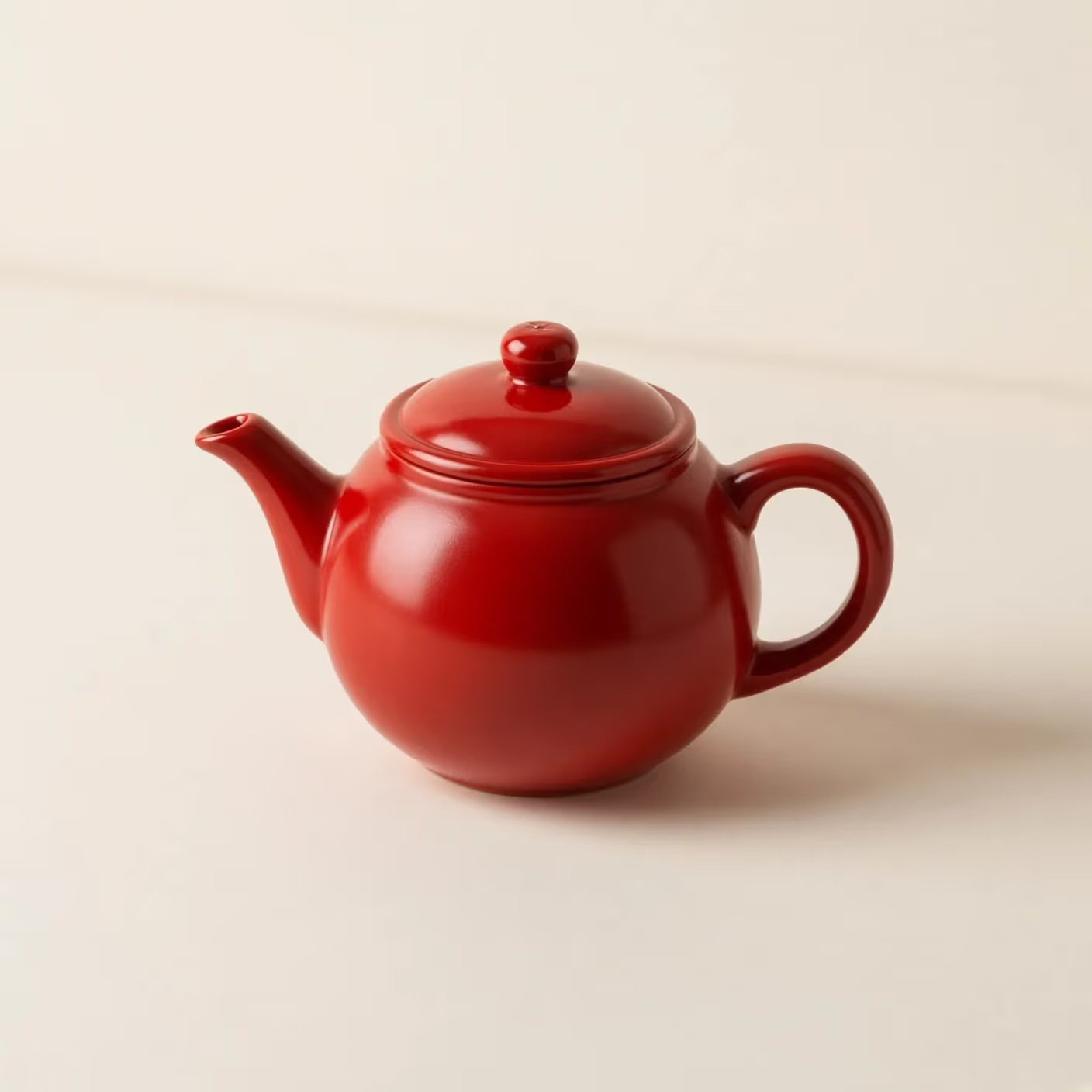
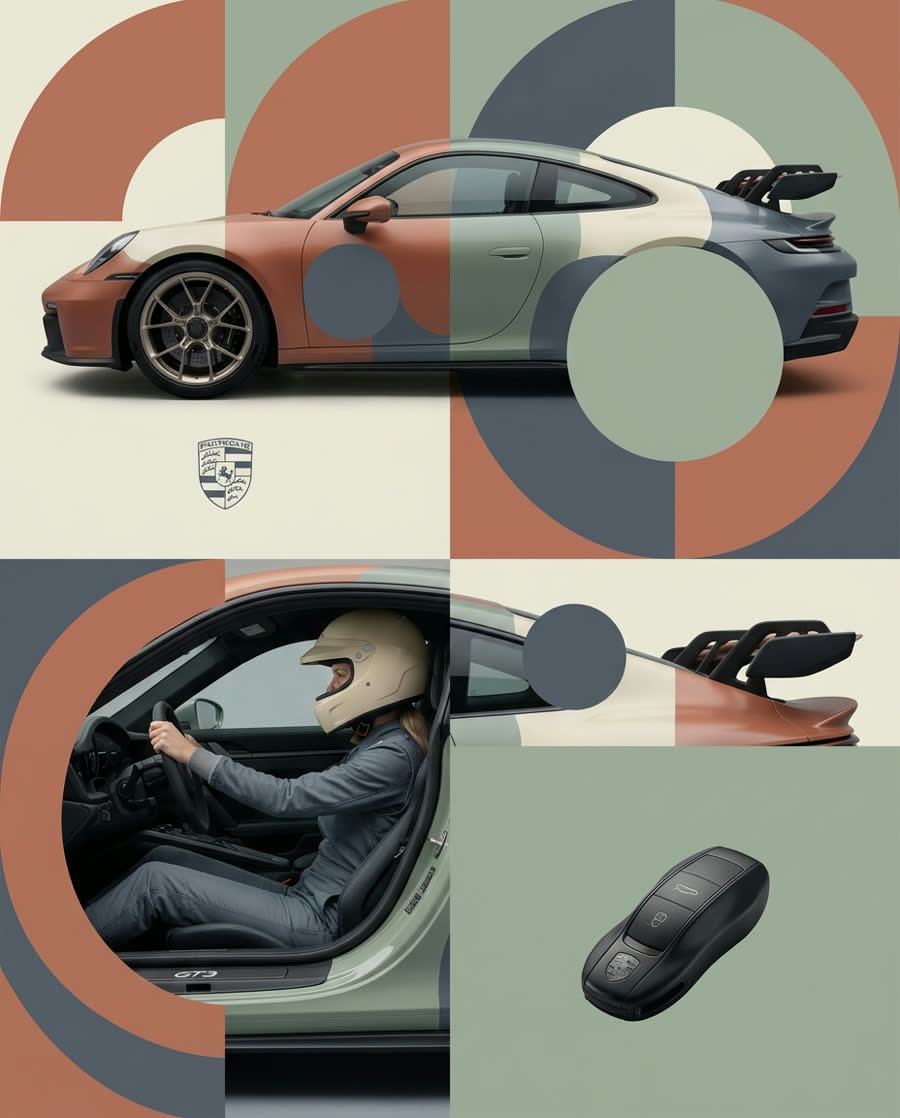
Repeat one subject across square, landscape, and portrait canvases. Track whether focal placement and negative space adapt or merely crop.
Save up to 73% on plans
Grok Imagine

AI output preview
Browse every other AI image model and effect published on this site in a continuous carousel.
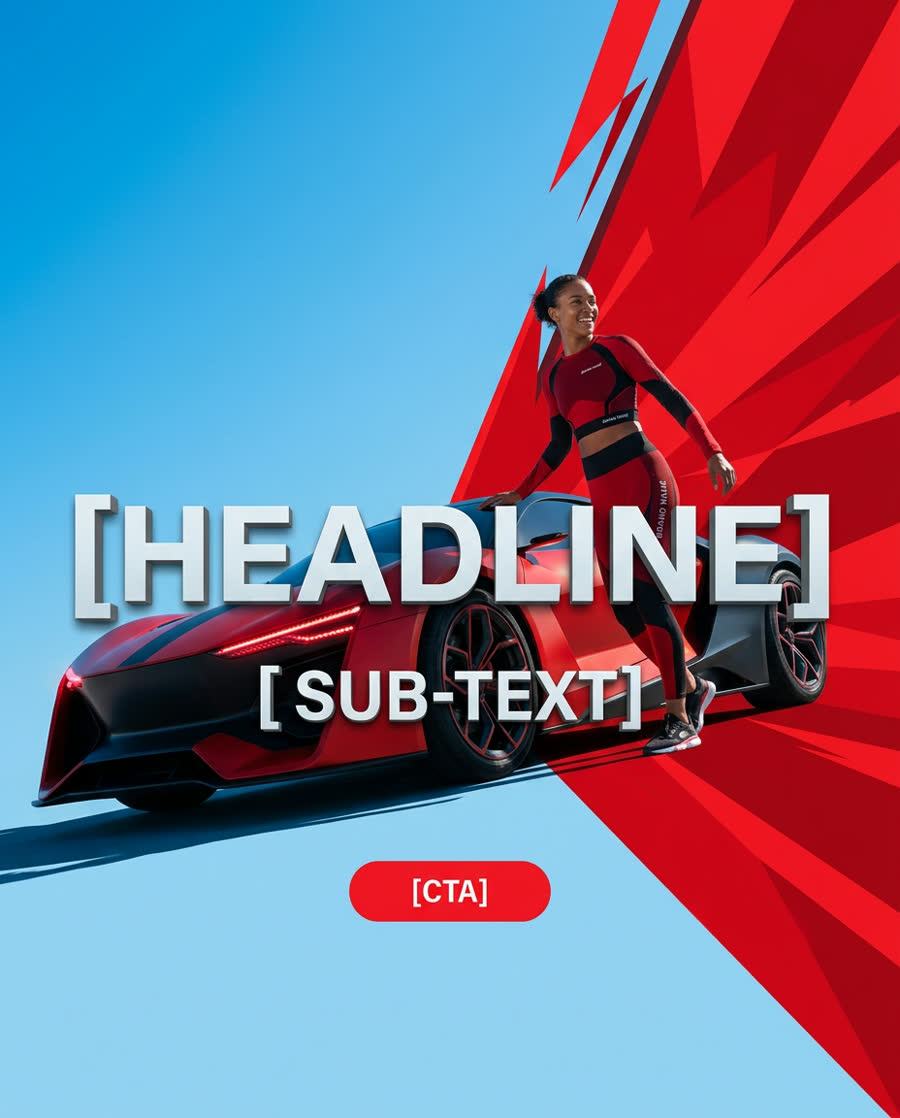
Grok Imagine has native still-image routes as well as video routes. This Flux Klein AI page isolates the image behavior so you can compare prompt rendering and single-reference transformations without mixing in duration, motion, or video pricing.
Use the still-image route to isolate composition and transformation behavior.
Repeat one subject across square, landscape, and portrait canvases. Track whether focal placement and negative space adapt or merely crop.
Protect one source characteristic and change one other dimension. This exposes whether identity, shape, palette, or style is retained reliably.
Still images use Grok Imagine image model IDs; the video lab uses text-to-video and image-to-video IDs with separate controls and costs.
Use the same rubric across original creation and editing.
Choose composition, palette, and subject accuracy—or another trio relevant to the task—before running the baseline.
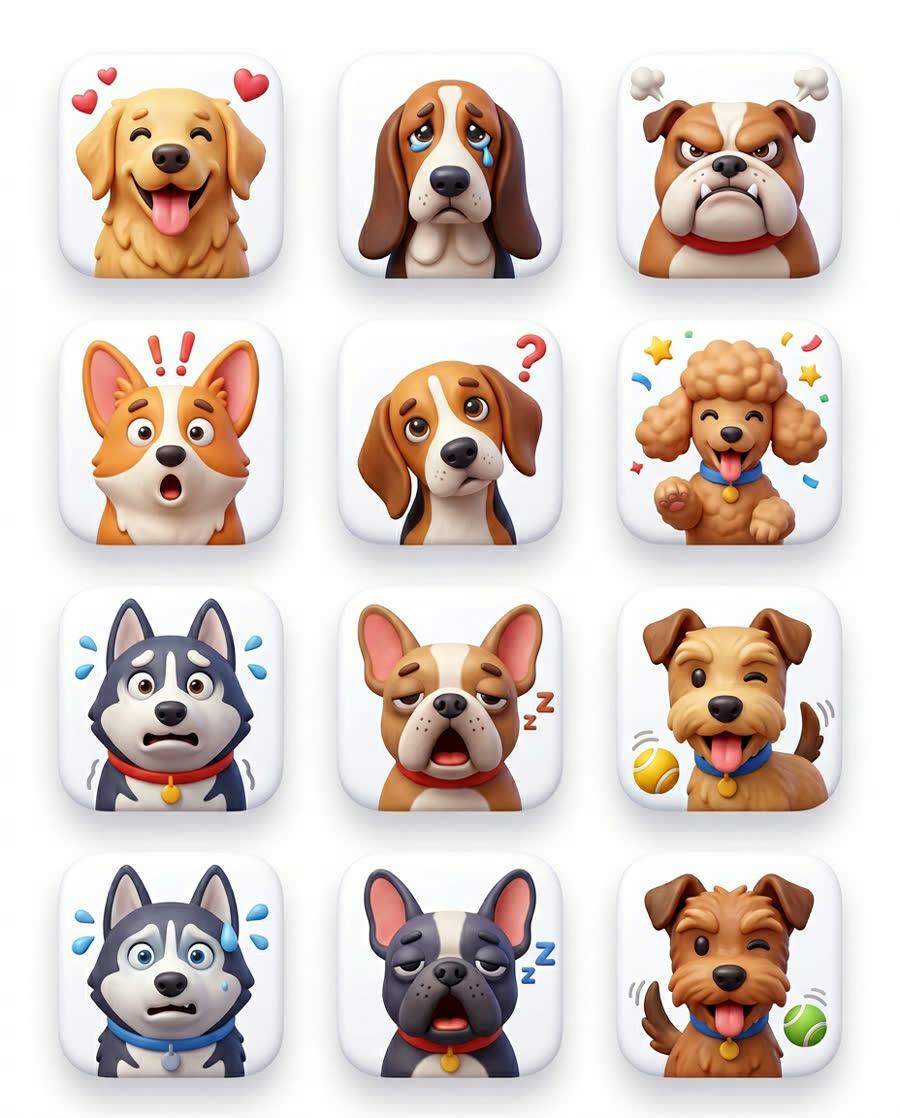
Alter only the ratio, one phrase, or the single reference. Save the previous result so the comparison stays visible.

Note unintended text, missing objects, warped structure, or reference drift. Failure notes make the next prompt more useful.
Keep still-image questions separate from motion and duration decisions.
Run one subject across square, landscape, and portrait ratios with the same palette and visual treatment. Define where the focal point and empty space should sit before generating. Compare whether each canvas is recomposed intentionally, whether the subject remains recognizable, and whether decorative detail supports the layout instead of filling every available area.
Use one licensed source with one protected property and one requested change. For example, preserve shape while changing material, or preserve identity while changing environment. Inspect boundaries, proportions, palette transfer, and unintended source details. A narrow edit makes it clear whether the image route follows the transformation or merely restyles the entire frame.
Create a baseline with concrete nouns, relationships, camera distance, light, and exclusions. Replace only one descriptive phrase in each follow-up. Track which words move composition versus surface style, and note instructions that introduce unwanted text or objects. The goal is a reusable prompt vocabulary, not a single lucky output that cannot be explained.
Score each output against the purpose of the image before choosing a favorite.
List requested subject count, placement, crop, palette, material, background, and exclusions. Mark every item before judging style. This prevents a polished but incomplete image from winning and gives the next prompt a precise repair target. Keep notes with the seed, ratio, route, and reference so the comparison remains reproducible.
For edits, compare the source and output at matching scale. Look for identity drift, changed proportions, missing features, accidental logos, and artifacts around protected edges. Decide whether the transformation is local or global. If too much changes, simplify the instruction before adding more references or stylistic language.
Crop and review the final image at its intended display size, not only in the generator preview. Verify rights, people, products, typography, geometry, and factual details before publishing. If the deliverable needs motion, move to the separate Grok Imagine AI Video Generator page rather than treating a still-image result as a video test.
Image-specific route notes.
Yes. Flux Klein AI enables KIE's grok-imagine/text-to-image and grok-imagine/image-to-image routes.
Separate pages make the route, controls, costs, and evaluation criteria unambiguous for each media type.
The current Grok Imagine edit workflow is best tested with one clear source and one explicit transformation goal.
Treat it as a test output until you verify rights, identity, text, geometry, and suitability for the destination.
Run a baseline, isolate one edit, and document what changed.