









Can text define the scene?
Use text-to-video for a clean prompt baseline and image-to-video when a single composition must anchor the first frame.
Save up to 73% on plans
PixVerse V6
AI output preview
Browse every other AI video model and effect published on this site in a continuous carousel.
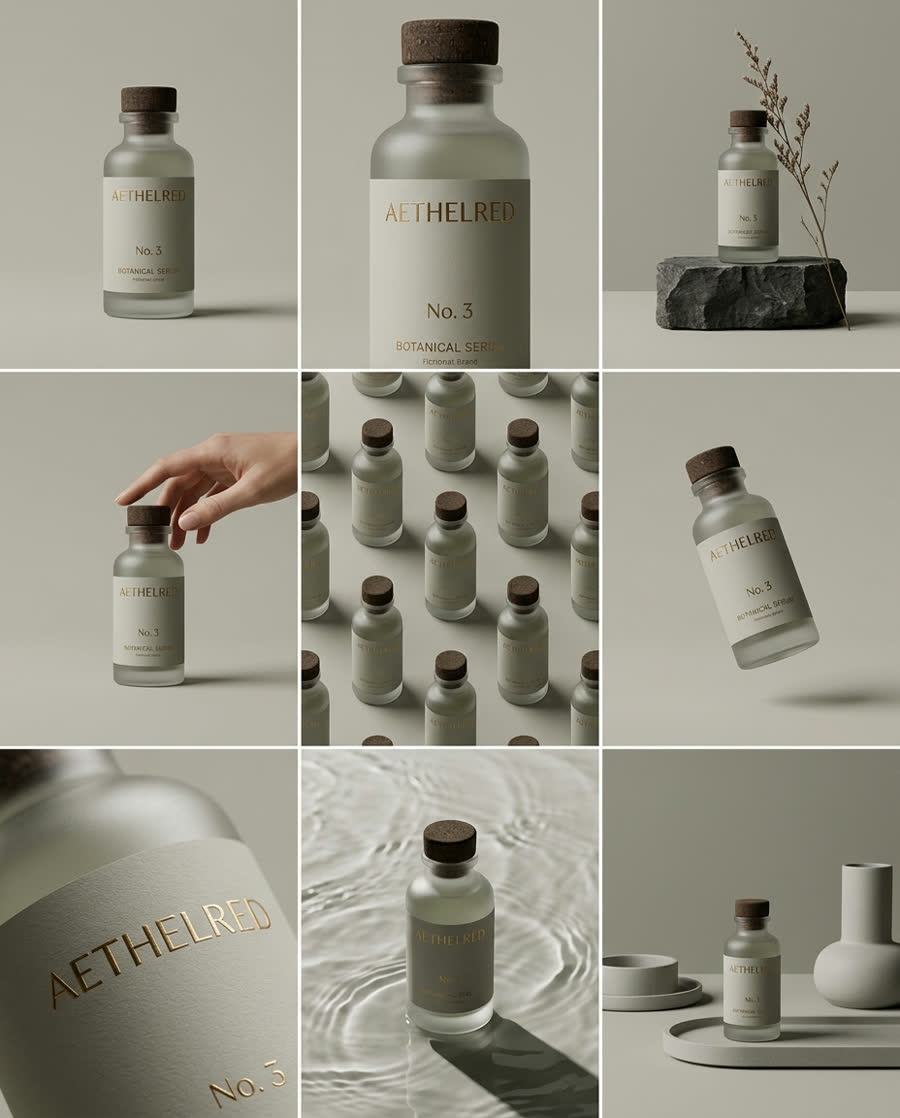
The value of the PixVerse V6 family is not one universal prompt—it is the choice among text, a starting image, a start/end transition pair, and visual references. Flux Klein AI keeps those KIE routes on one page so the input strategy can become the variable under test.
Match the experiment to the evidence you can supply.
Use text-to-video for a clean prompt baseline and image-to-video when a single composition must anchor the first frame.
Use Transition to test whether a chosen opening and ending frame can be joined with plausible intermediate motion.
Use Reference to study how supporting visuals influence subject, style, or direction without pretending they are interchangeable with keyframes.
Keep the motion goal stable while changing the input evidence.
Choose a scene with one measurable action and one camera move. Define what a successful ending frame should contain.
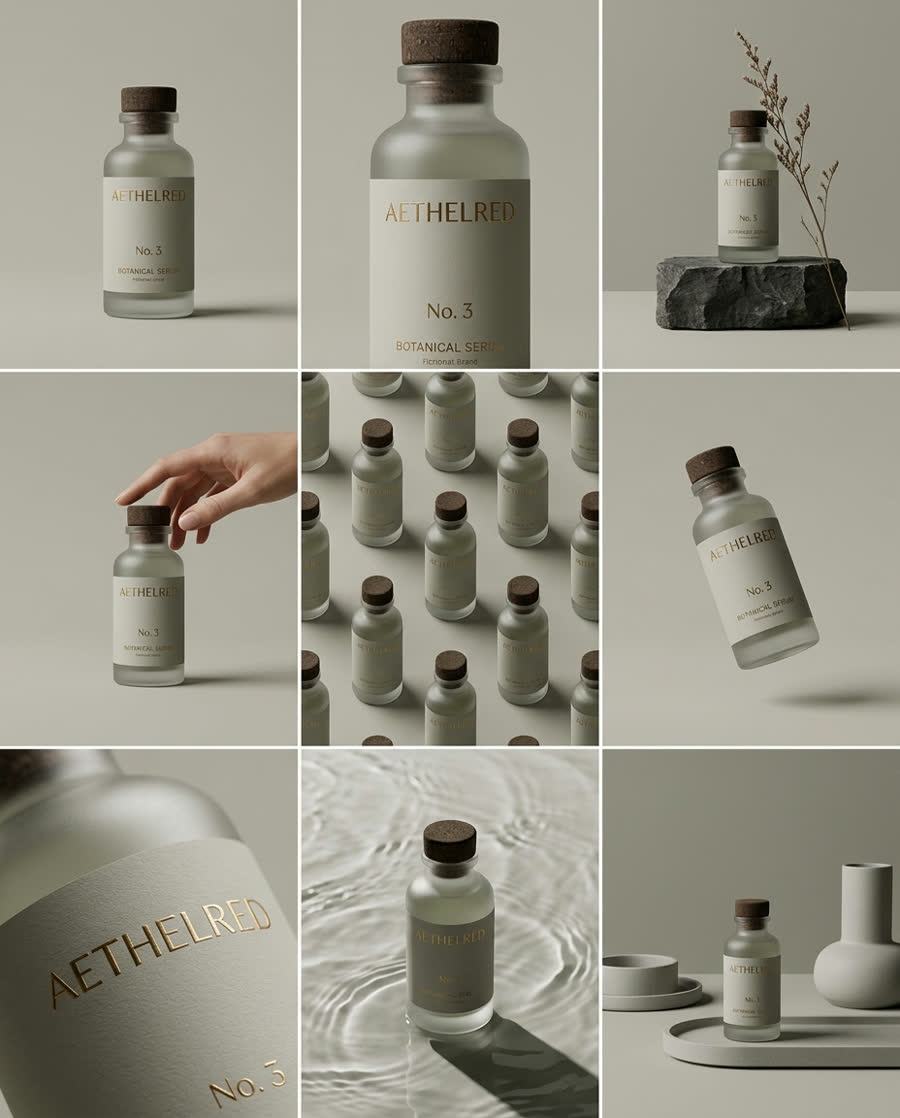
Test text, one starting frame, a transition pair, or references as appropriate. Keep wording and output controls as aligned as the routes allow.
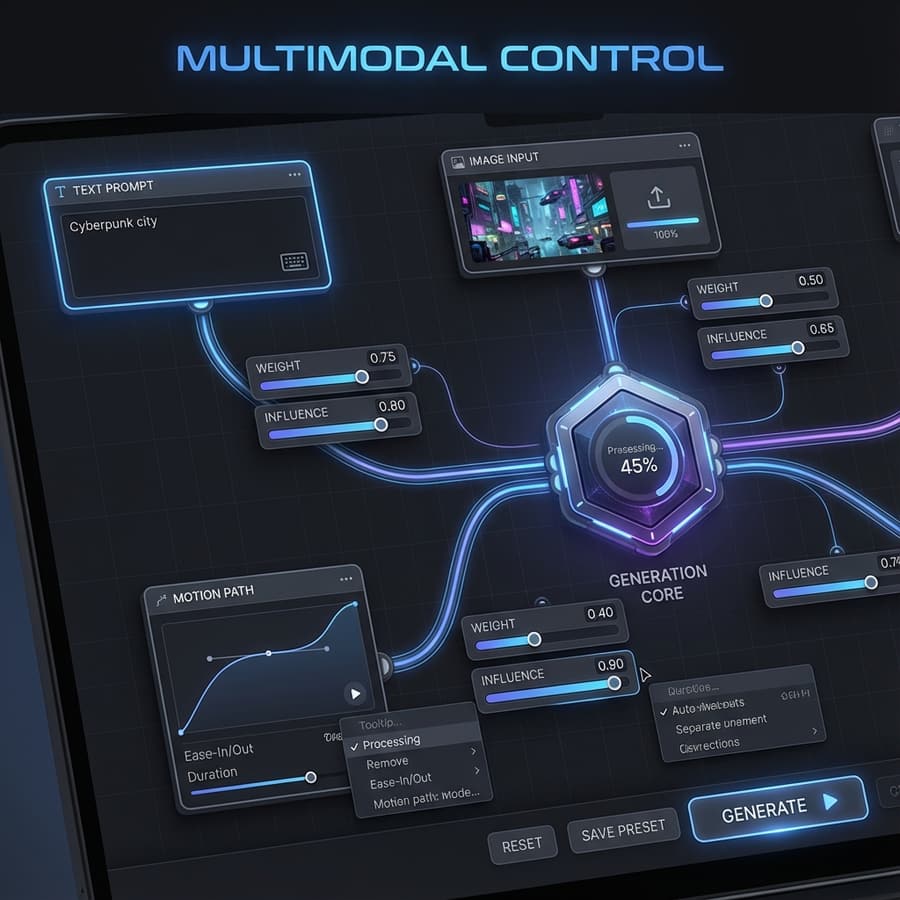
Compare subject drift, camera path, intermediate-frame coherence, ending accuracy, and reference influence—not only visual appeal.

Select the route from the evidence available for the shot, not from a generic quality ranking.
Use text-to-video when the scene can be defined without a required opening frame. Limit the first test to one subject action, one camera behavior, and a clean environment. Score timing, subject stability, camera direction, and the ending state. This baseline shows what the prompt alone contributes before any source image is introduced.
Choose image-to-video when one composition must anchor the opening. Choose Transition only when both the first and last states matter. Keep the motion instruction compatible with the source frames and inspect the full path between them. A plausible poster frame does not prove that intermediate geometry, occlusion, or subject identity remains coherent.
Use the Reference route when supporting visuals should influence appearance or direction without becoming fixed keyframes. Give each reference a clear purpose and avoid contradictory evidence. Compare the output with a text-only run to identify what the references changed, then check whether style influence arrived at the cost of subject stability or motion freedom.
Watch every frame and separate route control from surface appeal.
Track subject shape, count, scale, and identity from the first frame to the last. Note sudden texture changes, disappearing parts, implausible contact, and unstable backgrounds. For transitions, verify that the middle of the clip explains the change rather than hiding it with blur, a cut, or unrelated camera motion.
Compare the requested action and camera move with what actually happens, including direction, cadence, duration, and end state. Keep output settings aligned across route tests. When a source changes the composition, record whether that was intended evidence or an uncontrolled difference that makes the comparison unfair.
Prefer the least complex input strategy that meets the shot criteria. Additional frames or references are useful only when they solve a documented baseline failure. Before publishing, verify rights, identities, logos, audio expectations, and destination framing, then export the result only after full-speed and frame-by-frame review.
How the family routes are grouped and tested.
Text-to-video, image-to-video, transition, and reference-to-video are available in the PixVerse V6 family.
The routes answer different input questions but share one V6 model topic; a single page supports comparison without duplicating thin content.
Use the same motion goal, aspect ratio, duration, and evaluation rubric, then change only the source strategy where possible.
Track subject stability, camera path, transition plausibility, final-state accuracy, and the intended influence of references.
Hold the motion goal steady and learn which input route gives you the most control.