





Prompt adherence
Keep a short checklist for subject count, spatial relationship, camera, palette, material, and exclusions. Score the result against the same list after each revision.
Save up to 73% on plans
Qwen Image 3

AI output preview
Browse every other AI image model and effect published on this site in a continuous carousel.
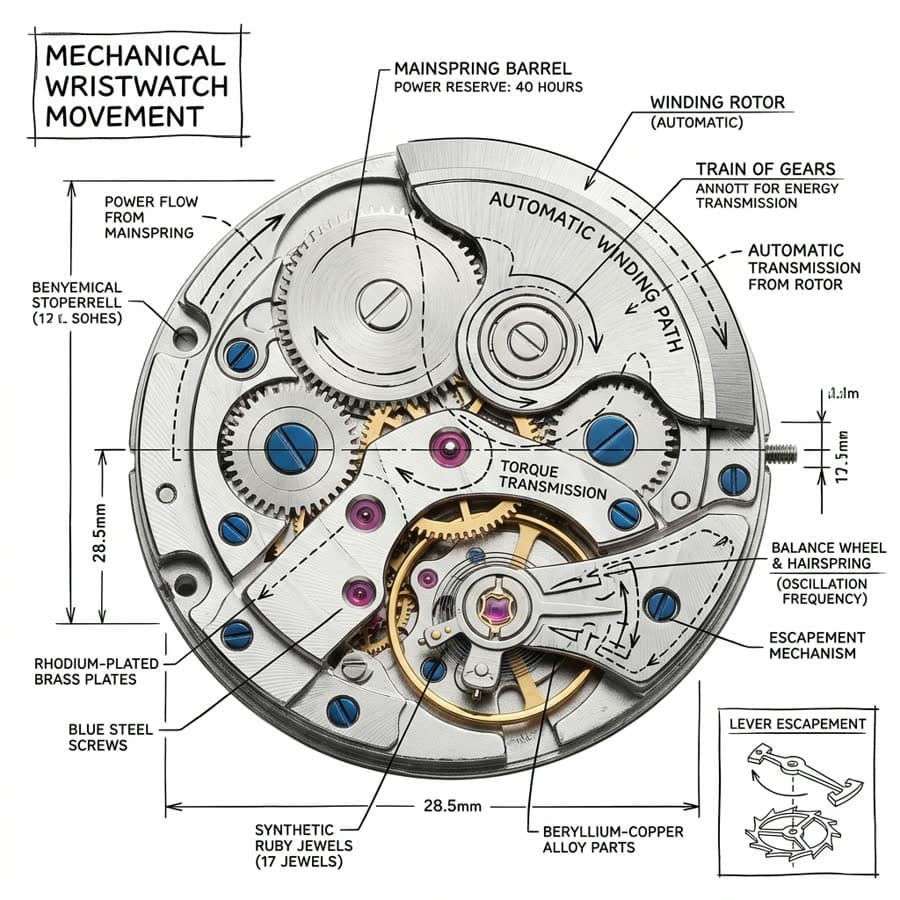
Flux Klein AI frames Qwen Image 3 as a model lab: establish a baseline, vary one instruction, and compare the outputs. Native KIE text and edit routes let you move between prompt-only tests and up to three reference inputs without changing the evaluation method.
Turn subjective impressions into repeatable checks.
Keep a short checklist for subject count, spatial relationship, camera, palette, material, and exclusions. Score the result against the same list after each revision.
Assign identity, structure, color, or style to each uploaded source. Change one source at a time to see which visual dimension actually moves.
Use 1K for a broad prompt matrix, then rerun finalists at 2K. A fixed seed can help isolate the effect of a wording change.
Baseline, isolate, then validate.
Use one clean prompt, 1K resolution, a common aspect ratio, and default prompt extension. Record the result before touching advanced controls.
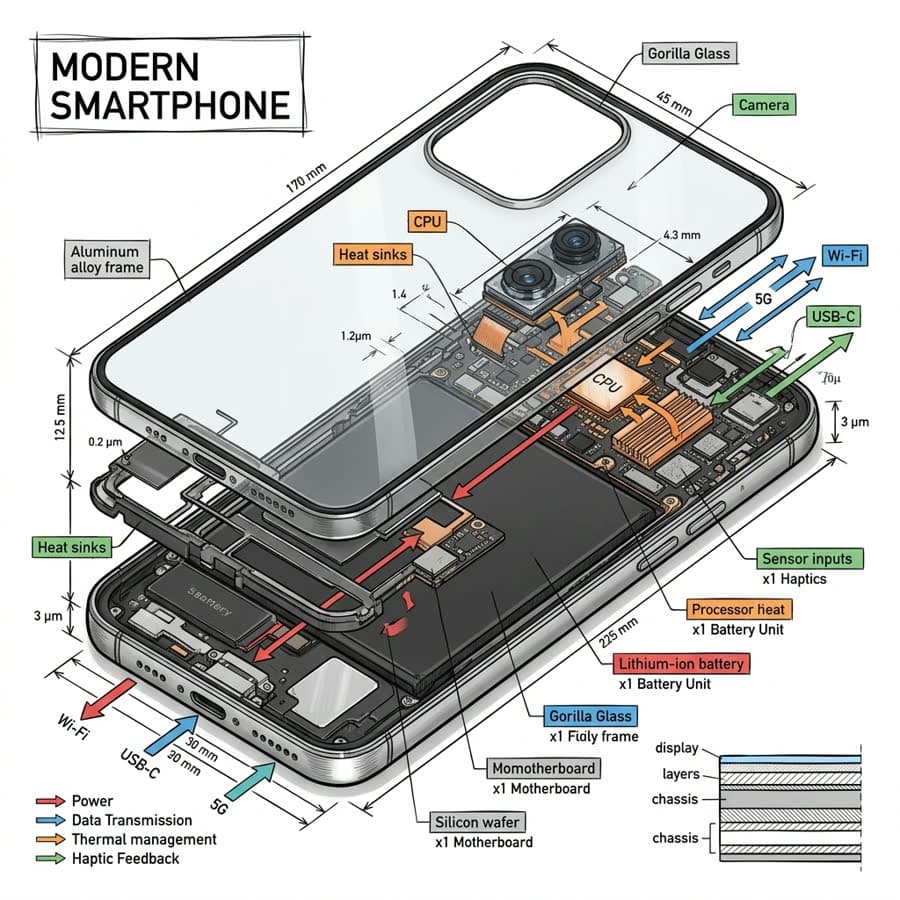
Change the camera, light, material, or one reference—never all at once. Keep the seed when a closer comparison is useful.
Generate the strongest direction at 2K and crop it for the intended surface. Inspect edges, small objects, text, and artifacts at full size.

Choose a scenario with observable acceptance criteria before changing the prompt.
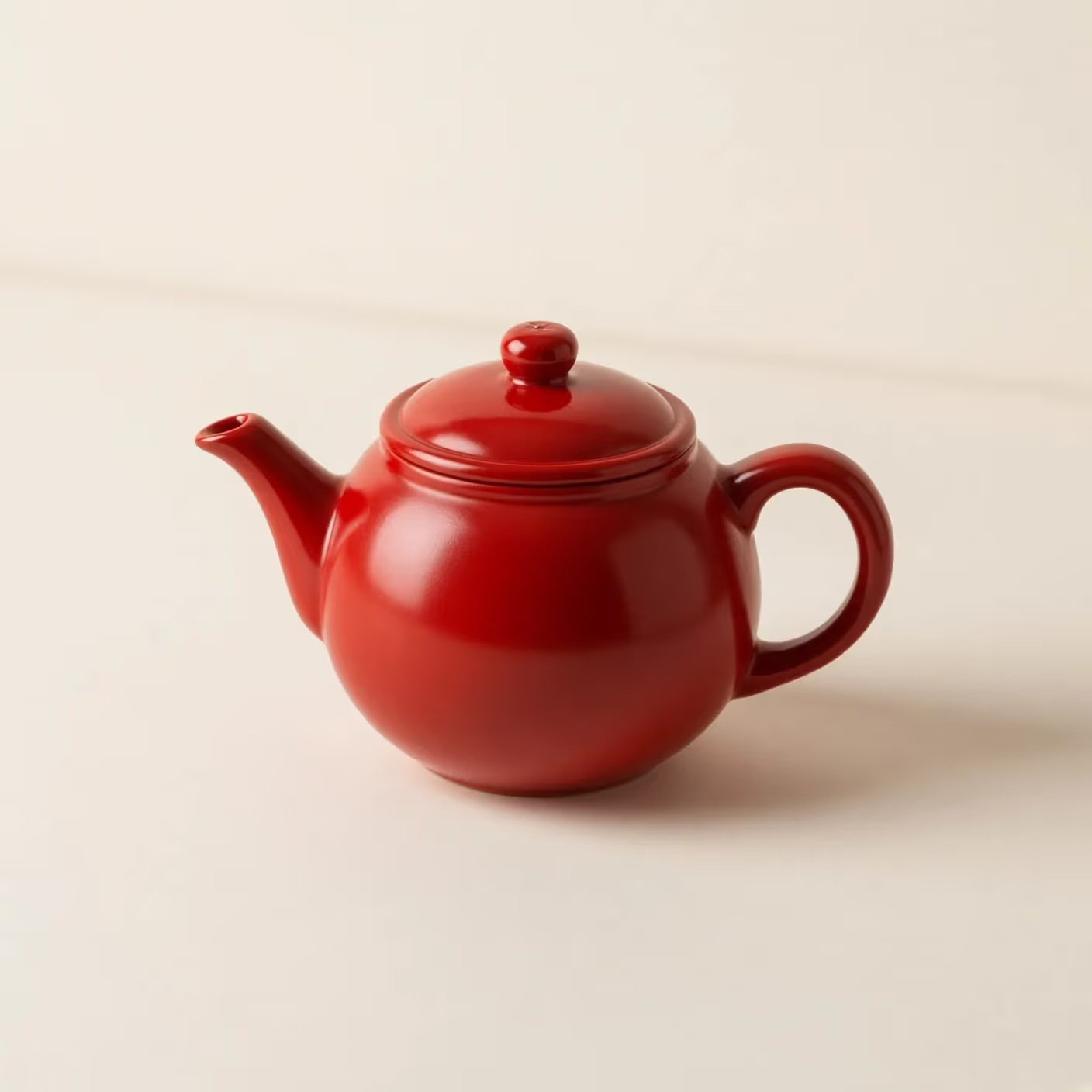
Describe one product with fixed materials, camera distance, background, and lighting, then vary only the styling instruction. This reveals whether Qwen Image 3 preserves product geometry while responding to art direction. Compare silhouette, surface finish, contact shadows, empty copy space, and unwanted marks at the same aspect ratio and resolution.
Build a controlled set for a cover, article lead, or social crop. Keep the subject and palette constant while moving the focal point or changing the canvas. Score whether the model creates intentional negative space instead of stretching or cropping the scene, and check that supporting objects remain readable without competing with the main subject.
Assign a single job to each uploaded image, such as identity, structure, palette, or texture. Start with one reference, document what transfers, and add another only when its role is distinct. This makes it easier to detect source conflicts, accidental copying, weak retention, or changes that came from the wording rather than the visual evidence.
Use the result to make the next experiment smaller and more informative.
An attractive image can still fail the brief. Score requested objects, relationships, camera, palette, exclusions, and destination space before judging taste. Record both scores so a visually polished result does not hide a missing requirement, and so a structurally correct baseline is not discarded before a focused style revision.
Repeat the strongest prompt with a fixed seed when available, then alter one phrase. If many unrelated parts move, the instruction may be too broad or the comparison may not be controlled. A useful test identifies which words consistently affect composition, material, light, or reference retention across otherwise matched settings.
Use 1K runs to reject weak ideas and reserve 2K for candidates that already satisfy the checklist. Before publishing, review faces, hands, logos, labels, small geometry, edge artifacts, and source rights at full size. The model lab helps choose a direction; it does not replace legal, factual, or production approval.
Route facts and testing guidance for Flux Klein AI.
The generator uses KIE qwen3/text-to-image and qwen3/image-to-image.
Yes. The edit route supports up to three images, which is useful for controlled identity, structure, palette, or style tests.
Start at 1K with one concise prompt, a destination-appropriate ratio, and default prompt extension; only then vary one control.
No. Verify rights, identities, logos, typography, geometry, and factual details before using a generated asset.
Create a baseline, isolate a variable, and keep the most informative result.