




Product Storyboard
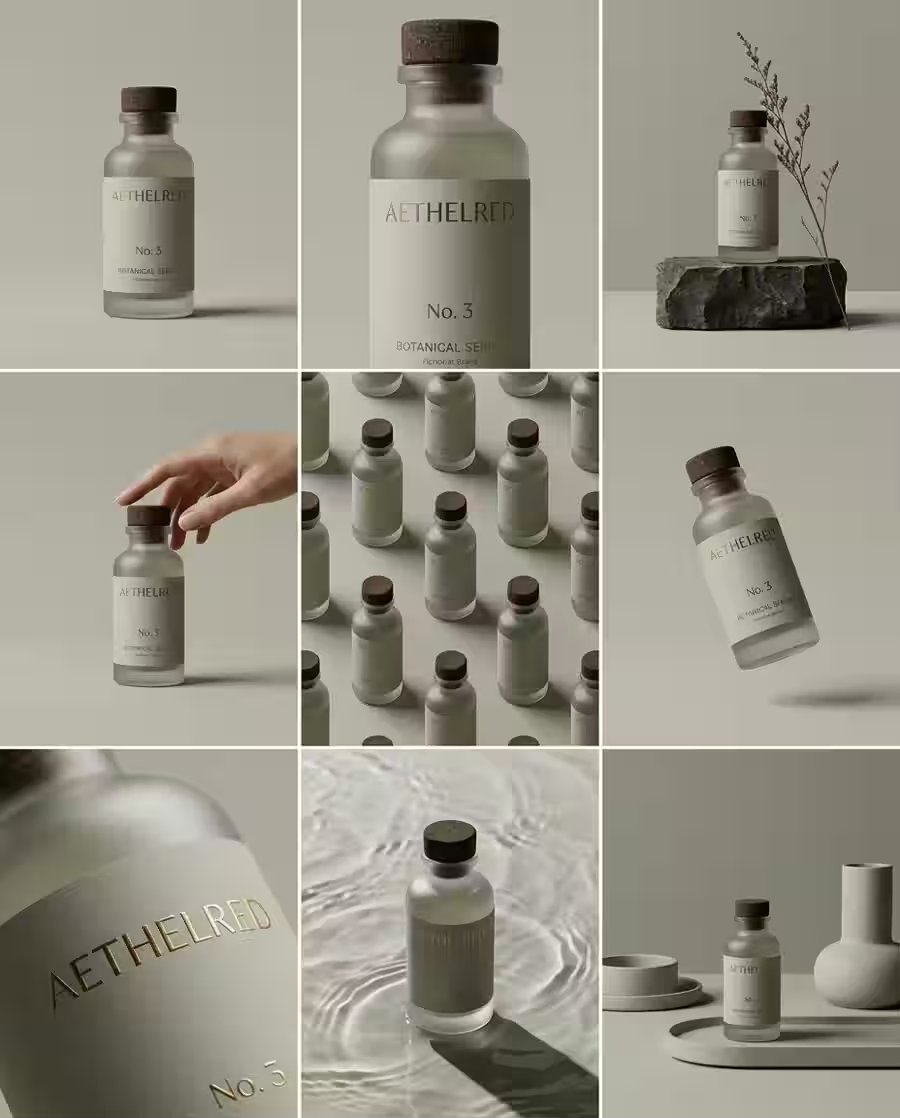
Product Storyboard visual concept with polished composition, clean lighting, and production-ready AI image detail.
Save up to 73% on plans
Start from practical image effects and video workflows without digging through the full model list.
Start from practical visual directions, copy the prompt, or open the generator with the same structure.
Product Storyboard visual concept with polished composition, clean lighting, and production-ready AI image detail.
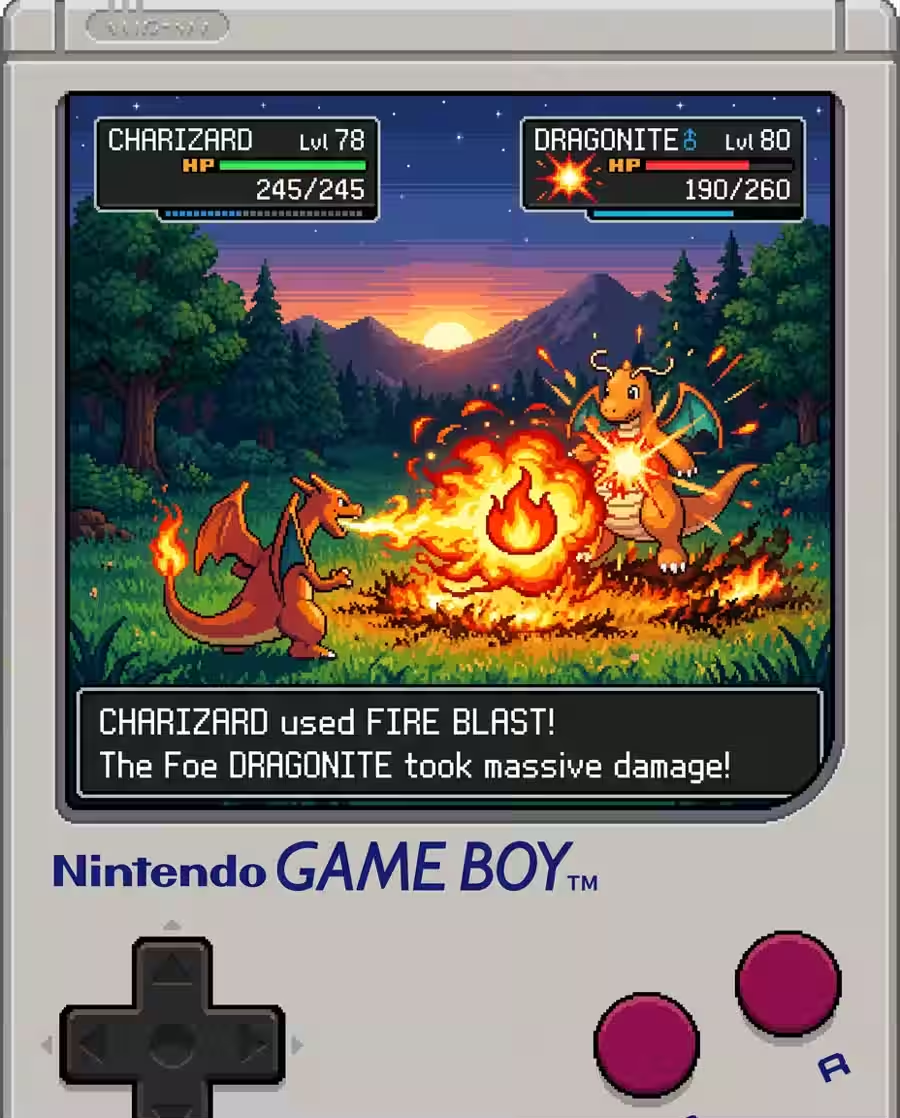
Game Scene visual concept with polished composition, clean lighting, and production-ready AI image detail.

Travel Poster visual concept with polished composition, clean lighting, and production-ready AI image detail.
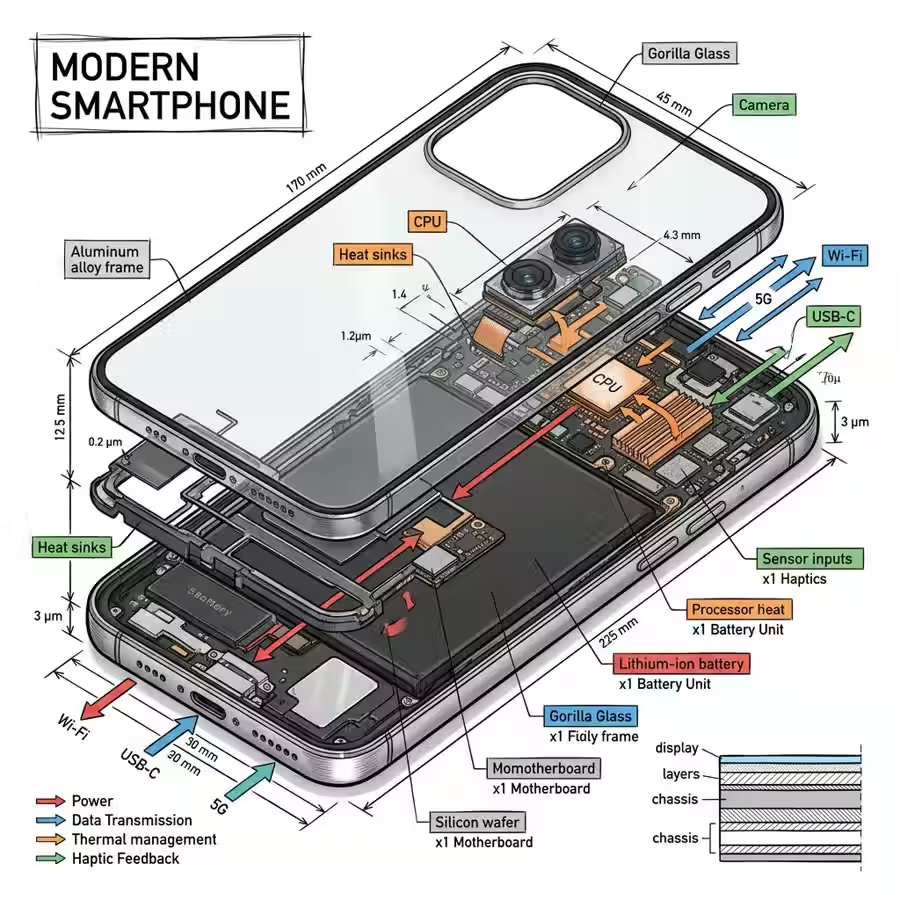
Tech Infographic visual concept with polished composition, clean lighting, and production-ready AI image detail.

Logo Cloud visual concept with polished composition, clean lighting, and production-ready AI image detail.

Product CGI visual concept with polished composition, clean lighting, and production-ready AI image detail.
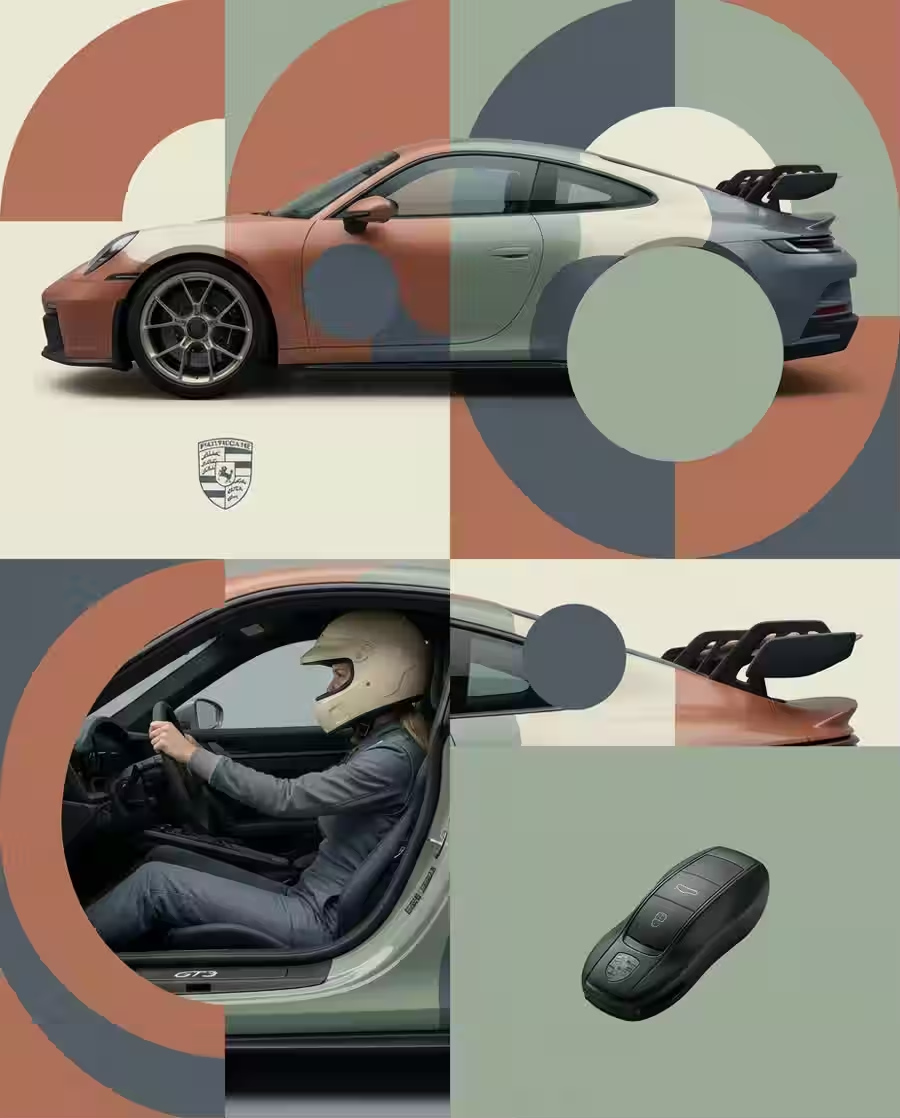
Editorial Fashion visual concept with polished composition, clean lighting, and production-ready AI image detail.
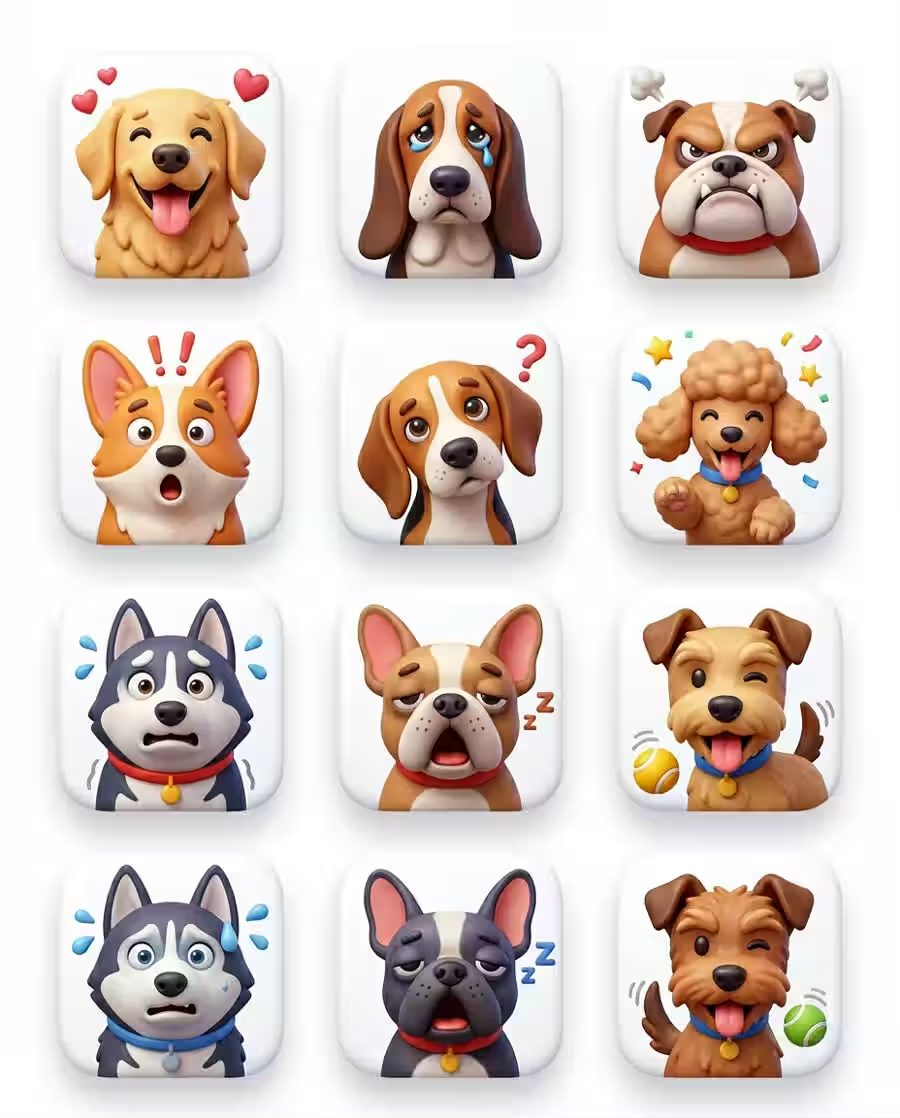
Icon Pack visual concept with polished composition, clean lighting, and production-ready AI image detail.
Flux Klein AI is a browser-based Klein AI workspace for image generation, reference-led edits, and short video creation. It is built for fast iteration instead of long production pipelines.
Turn prompts into polished visuals quickly. Use Klein AI image generation for concept art, product scenes, thumbnails, and ad variations without leaving the browser.
Create imagesCreate short clips from prompts or approved stills. The video workflow is useful for social edits, product motion tests, and fast storyboarding.
Create videosAnimate a chosen still image with camera motion, product movement, or atmosphere when composition matters more than starting from scratch.
Create imagesAdjust prompt direction, image references, aspect ratio, and model choice so you can iterate without rebuilding the workflow each time.
Create videosMost Klein AI searches are practical: people want fast visuals, better control from references, and an easier jump from stills into motion.
Start with still images when composition and style need approval first.
Reuse a strong frame to add motion instead of rewriting the whole concept.
Test multiple visual directions quickly before committing to a bigger workflow.
Answers for creators comparing Klein AI image and video generation workflows.
Flux Klein AI is a creative workspace for Klein AI image generation and AI video workflows. You can create visuals from prompts, refine image directions, and move approved concepts into video.
Searchers often use Klein AI, Flux Klein, and FLUX.2 Klein for the same model family and workflow. This site keeps the Flux Klein AI brand while making the Klein AI generation path easy to find.
Yes. Start with text-to-image or image-to-image when composition matters, then use the video generator to animate a selected concept.
The best first use cases are ad concepts, social clips, product scenes, thumbnails, and visual tests where speed matters more than a long production pipeline.
Yes. Upload or generate a reference image, then use image-to-video to add motion while keeping the main subject and style more stable.
Flux Klein AI runs in the browser, so you can work from a desktop or mobile device without installing local creative software.
Start testing Klein AI image and video workflows in the browser.