








Seedance 2.5 AI Video Generator
Sign In
CreditsCost

Seedance 2.5 AI Video Generator

Seedance 2.5

Motion study for Seedance 2.5 testing

Measure Seedance 2.5 Motion Before Scaling the Shot

Flux Klein AI turns the native KIE Seedance 2.5 route into a test bench. Begin with the shortest 480p task, compare text, frame, and multimodal reference inputs, then increase duration, resolution, or audio only after the motion hypothesis works.

Variables You Can Isolate with Seedance 2.5

Change input, duration, fidelity, and audio in separate passes.

Three input strategies

Compare a text-only scene with first-and-last-frame guidance or multimodal references. Keep the requested action aligned so the source type is the main variable.

480p/720p and 4–15 seconds

Use the shortest 480p run to diagnose motion. Raise resolution for detail and duration for a longer beat only when the baseline is coherent.

Audio and returned last frame

Test sound separately from visual motion. Request the last frame when a downstream continuation or transition experiment needs a stable handoff image.

A Seedance 2.5 Motion Test Sequence

Use low-cost runs to answer specific questions.

1. Test motion at minimum settings

Use 480p, four seconds, no audio, and one visible action. Check physical plausibility and subject stability before adding complexity.

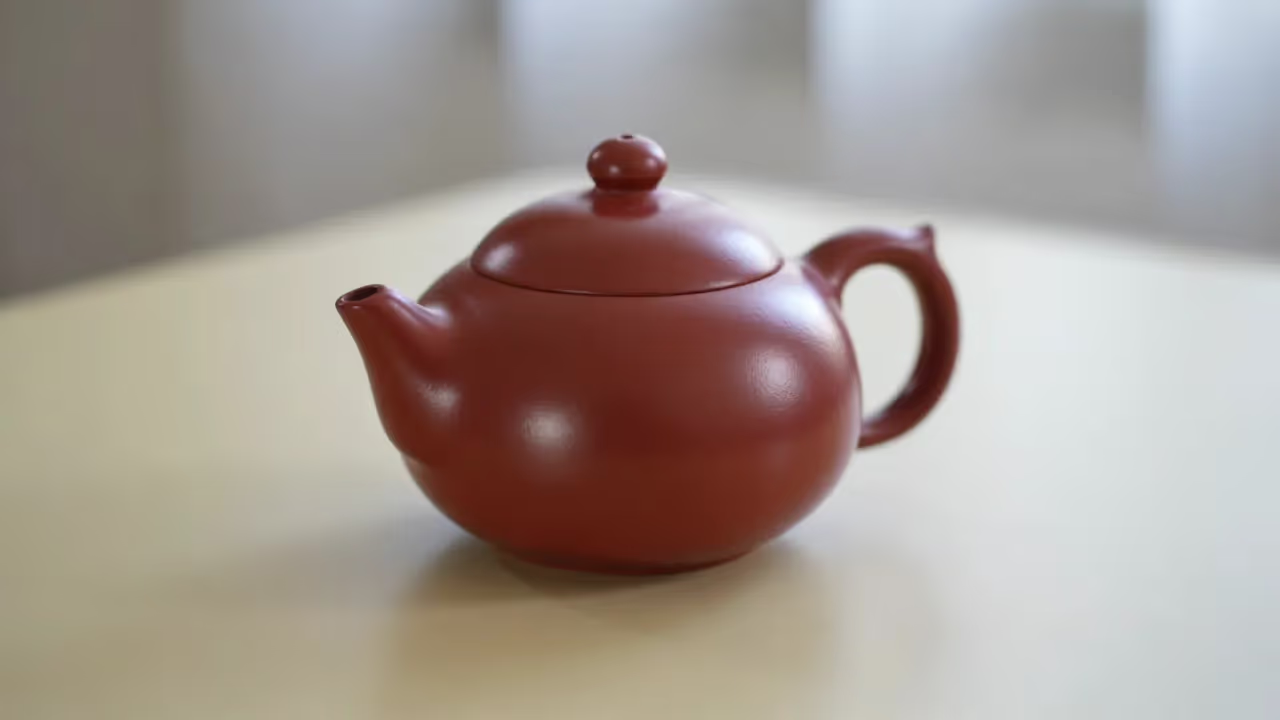
Seedance 2.5 minimum test

2. Introduce one source constraint

Add a starting frame, last frame, or focused reference set. Preserve the baseline wording so you can attribute changes to the new input.

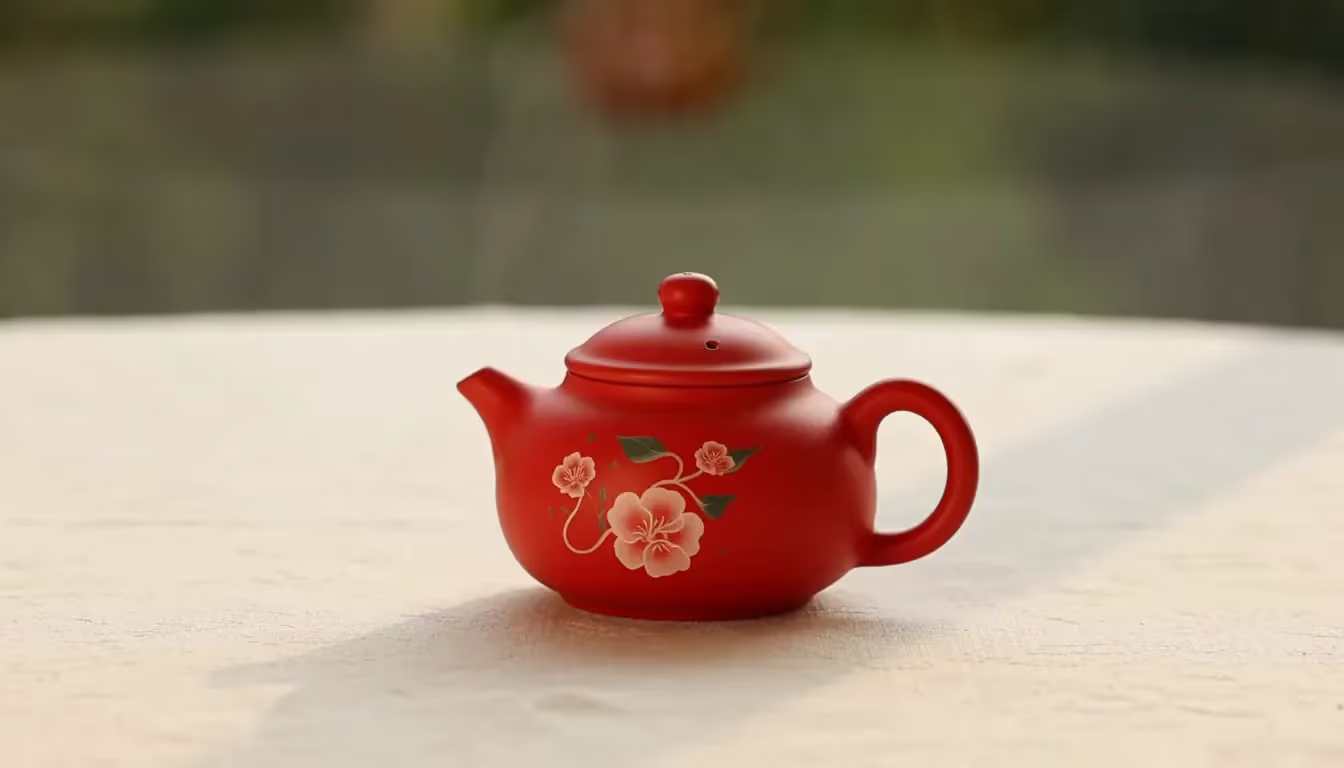
Seedance 2.5 source constraint test

3. Scale only the winning setup

Move a successful direction to 720p, longer duration, or audio. Watch the full result and log any new drift introduced by the larger task.

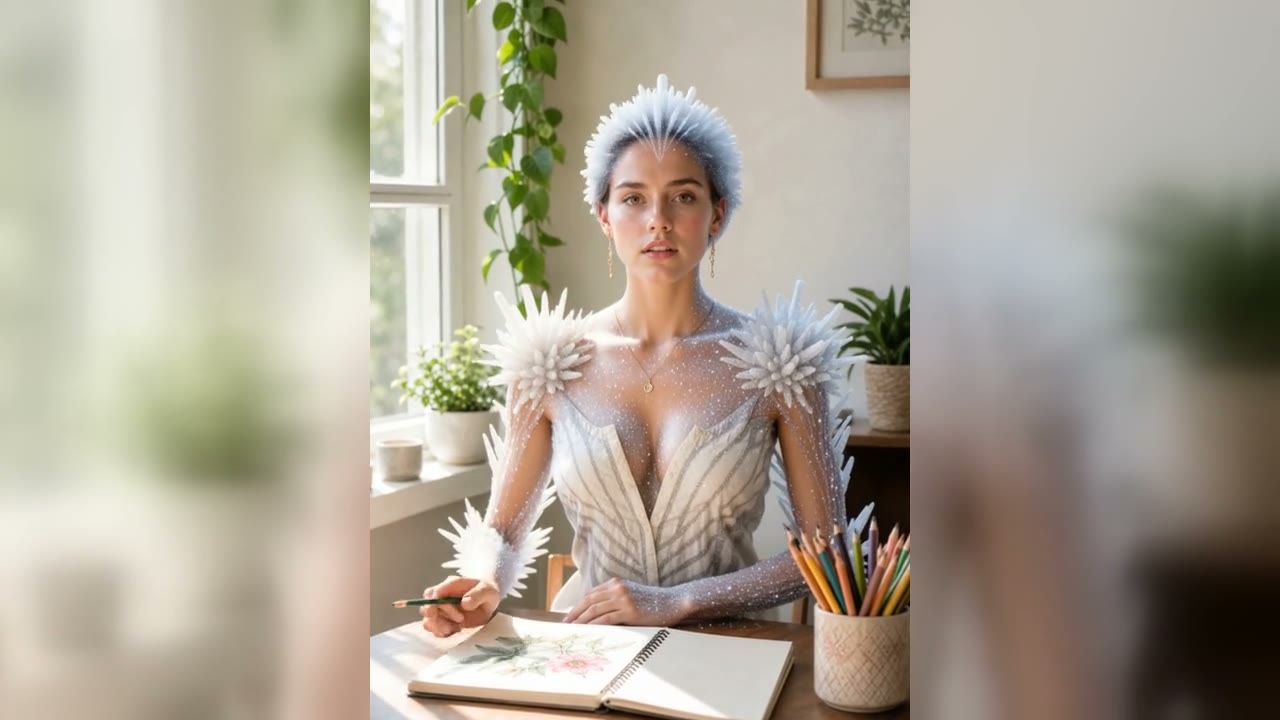
Seedance 2.5 scaled test

Seedance 2.5 AI Video Generator Test Scenarios

Match the source strategy and output settings to one motion question at a time.

Low-cost physics baseline

Start at 480p and four seconds with audio and last-frame return disabled. Request one visible interaction, such as opening, folding, pouring, or sliding, with a simple camera. Review contact, weight, deformation, subject stability, and timing. This inexpensive run reveals whether the motion idea works before longer duration or higher resolution adds cost and variables.

First-and-last-frame constraint

Use boundary frames when both the opening and final composition matter. Make sure the requested movement can plausibly connect them, and avoid sources with contradictory lighting, scale, or perspective. Evaluate the intermediate path rather than only the endpoints, noting any hidden cut, morph, camera detour, or identity drift used to bridge the two states.

Multimodal reference experiment

Introduce focused reference material only after the text baseline identifies what needs more control. Give each source a distinct job, such as subject appearance, environment, action, or sound direction. Keep the central motion wording stable and compare what improves or degrades, especially when added evidence competes with the requested camera or physical behavior.

How to Scale a Seedance 2.5 Result

Increase one expensive dimension only after the previous test passes its checklist.

Extend duration for a reason

Move beyond four seconds only when the action needs another beat, a hold, or a clear ending. Preserve the prompt and source strategy so the longer run measures temporal stability rather than a rewritten idea. Watch for repeated motion, stalled subjects, new artifacts, and camera drift that appear after the original baseline would have ended.

Raise resolution after motion works

Use 720p for a direction that already has coherent movement, stable identity, and acceptable framing. Compare edges, textures, small objects, and background detail, but also confirm that the motion did not change. Higher resolution is not a repair tool for an incorrect action, implausible physics, or a source conflict discovered at 480p.

Add audio or return the last frame deliberately

Enable audio when sound is part of the acceptance criteria, then review timing, relevance, artifacts, and rights. Request the final frame when a continuation or transition needs a controlled handoff. Each option should serve a downstream workflow; otherwise leave it disabled and keep the diagnostic task simpler and less expensive.

Seedance 2.5 AI Video Generator FAQ

Facts about the live Flux Klein AI route.

Is this the native Seedance 2.5 route?

Yes. The selector maps to KIE model bytedance/seedance-2-5.

What is the cheapest sensible first test?

Use the shortest four-second task at 480p, disable audio and last-frame return, and request one clear action.

Which inputs can I compare?

Text, first-and-last frames, and multimodal references are available through the route's supported scenes.

Why request the last frame?

A returned final frame can serve as a controlled visual handoff for a later continuation, transition, or comparison.

Start a Seedance 2.5 Motion Experiment

Test one action cheaply, add one constraint, and scale only the direction that holds together.